EasyManua.ls Logo

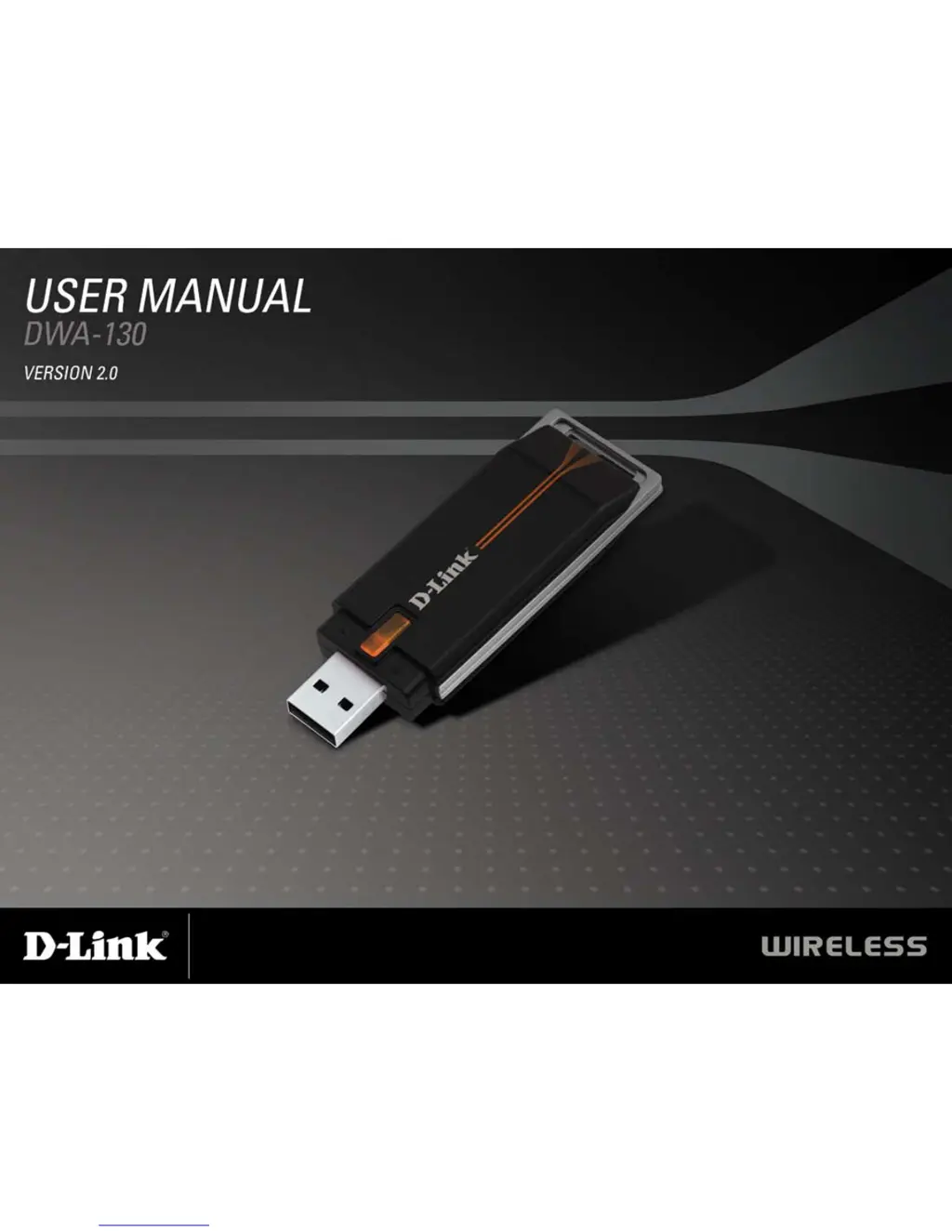
D-Link DWA-130 - User Manual

D-Link DWA-130
58 pages
Print Icon
To Next Page IconTo Next Page
Loading...

Other manuals for D-Link DWA-130

Questions and Answers

  • J
    Jennifer MitchellJul 26, 2025
    What to do if my D-Link Adapter DWA-130 cannot connect to the internet?
    • B
      burkejosephJul 26, 2025
      If your D-Link DWA-130 adapter can't connect to the internet, verify the following: * The broadband modem's LED indicators show normal activity. * The wireless router's LED indicators are functioning correctly. * The IP Address, subnet mask, gateway, and DNS settings are correctly entered for the network. * In Infrastructure mode, the Service Set Identifier (SSID) is the same on both the wireless client and access point settings. * The Network Connection for the wireless client is properly configured. * If security is enabled, ensure the correct encryption keys are entered on both the DWA-130 and the access point.
  • D
    Devin BrownAug 10, 2025
    How to fix D-Link Adapter DWA-130 not recognized?
    • V
      Victoria WagnerAug 10, 2025
      If your computer isn't recognizing the D-Link DWA-130 Wireless USB Adapter, ensure it is properly seated in the computer’s USB port. Also, if Windows doesn't detect the hardware upon insertion, completely remove any previously loaded drivers.

Summary

Installation

Getting Started

Prepares the user for installation by outlining necessary checks and steps.

Adapter Installation

Details the step-by-step process for installing the DWA-130 driver and software.

Configuration

D-Link Wireless Connection Manager

Introduces the software used for managing the DWA-130 adapter settings.

Wireless Networks

Describes how to view and connect to available wireless networks using the utility.

Wi-Fi Protected Setup (WPS)

Details the process for connecting to wireless networks using the WPS feature.

Connect to a Wireless Network Using Windows Vista

Details connecting to a wireless network using Windows Vista's built-in utility.

Connect to a Wireless Network Using Windows XP

Details connecting to a wireless network using Windows XP's built-in utility.

Wireless Security

Configure WPA;WPA2 Passphrase Using the D-Link Wireless Connection Manager

Steps to set up WPA/WPA2 security using the D-Link utility.

Configure WPA;WPA2 Passphrase Using Windows Vista

Steps to set up WPA/WPA2 security using Windows Vista.

Configure WPA;WPA2 Passphrase Using the Windows XP Utility

Steps to set up WPA/WPA2 security using Windows XP.

Troubleshooting

The computer does not recognize the DWA-130 Wireless USB Adapter.

Addresses issues where the computer fails to detect the adapter.

The computer with the DWA-130 installed is unable to connect to the wireless network and;or the Internet.

Helps resolve connectivity issues with the wireless network or internet.

Networking Basics

Statically Assign an IP address

Guides on manually configuring a static IP address for the adapter.

D-Link DWA-130 Specifications

Operating Environment IconOperating Environment
operating temperature32˚ to 104˚F (0˚ to 40˚C)
operating humidity10 ~ 90% Non-condensing
frequency range2.4GHz to 2.462GHz
Weight and Dimensions IconWeight and Dimensions
item dimensions (WxDxH)1.1” x 3.4” x 0.5”
packaging dimensions (WxDxH)6.6” x 9.5” x 1.5”
item weight0.1 lbs

Related product manuals