EasyManua.ls Logo

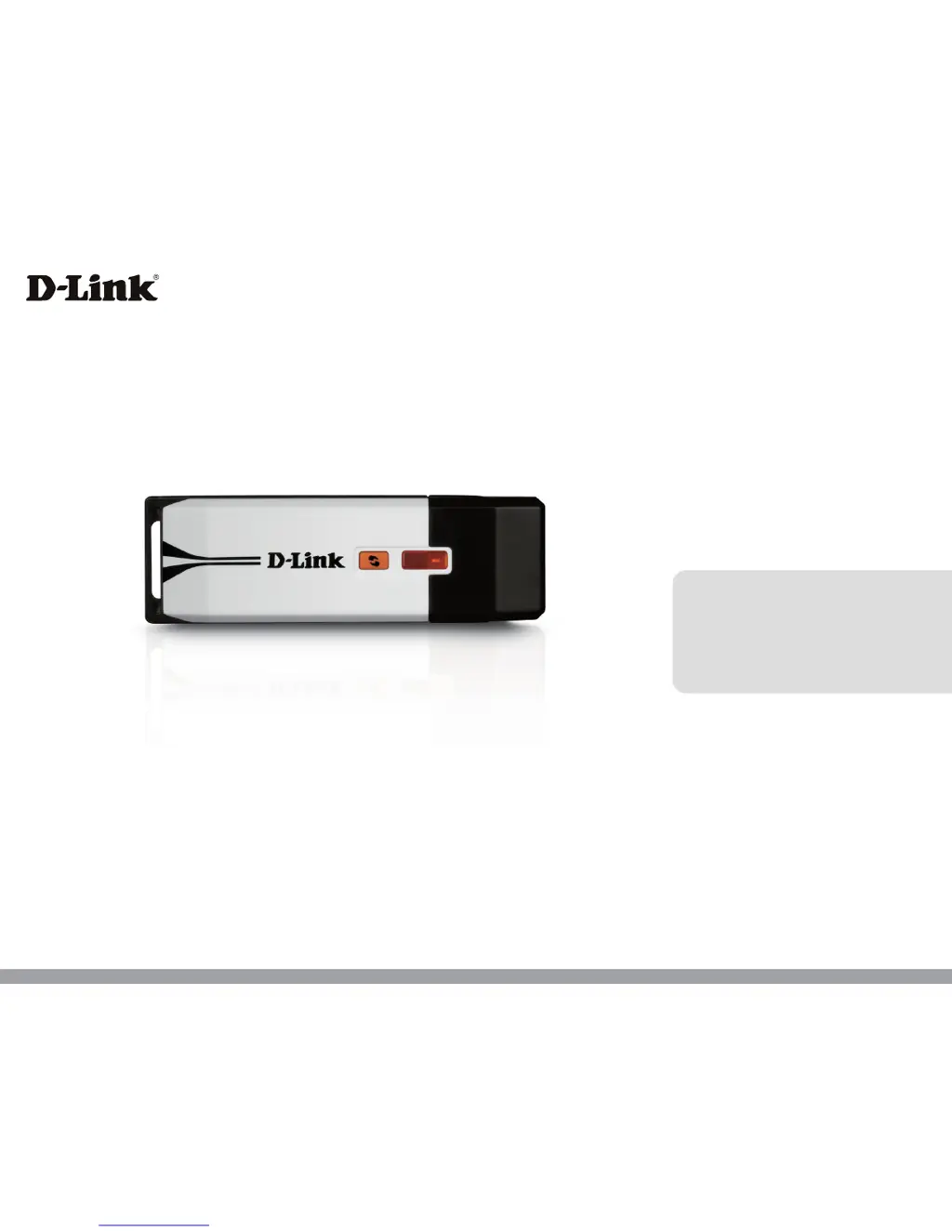
D-Link Xreme N DWA-160 - User Manual

D-Link Xreme N DWA-160
61 pages
Print Icon
To Next Page IconTo Next Page
Loading...
Version 2.10 | 10/29/2013
User Manual
DWA-160
Xtreme N® Dual Band USB Adapter

Questions and Answers

  • R
    Robin DillonAug 11, 2025
    How to fix computer not recognizing D-Link Xreme N DWA-160?
    • B
      Brenda FloresAug 11, 2025
      If your computer isn't recognizing the D-Link Wireless Adapter, ensure it's properly seated in the computer’s USB port. If Windows still doesn't detect the hardware after inserting the adapter, completely remove any previously loaded drivers.
  • K
    Kaitlin StuartOct 25, 2025
    What to do if D-Link Adapter is unable to connect to the wireless network or the Internet?
    • R
      Rebecca MichaelOct 25, 2025
      If your D-Link Adapter isn't connecting to the wireless network or the Internet, start by checking the LED indicators on your broadband modem for normal activity, which might indicate a problem with the broadband connection. Also, verify the LED indicators on the wireless router to ensure they're functioning correctly; if not, confirm that the AC power and Ethernet cables are securely connected. Ensure that the IP Address, subnet mask, gateway, and DNS settings are correctly entered for the network. If security is enabled, ensure that the correct encryption keys are entered on both the DWA-160 and the access point. In Infrastructure mode, ensure the same Service Set Identifier (SSID) is specified on the settings for the wireless clients and access points. Check that the Network Connection ...

Summary

Installation Guide

Disabling Other Wireless Adapters

Explains how to disable built-in or other wireless adapters to prevent conflicts.

Adapter Installation Process

Connecting to a Wireless Network

Connecting in Windows 8

Step-by-step guide for connecting to Wi-Fi in Windows 8.

Network Configuration

Wi-Fi Protected Setup (WPS)

WPS Push Button Configuration

Explains how to connect using the WPS push button method.

WPS Personal Identification Number (PIN)

Guides users on connecting using the WPS PIN method.

Wireless Security Settings

Configure WPA;WPA2-Personal

Sets up WPA/WPA2-Personal security using the D-Link utility.

Configure WPA;WPA2-Enterprise

Advanced configuration for WPA/WPA2-Enterprise using RADIUS.

Troubleshooting Common Issues

Adapter Installation and Recognition Problems

Verifies correct installation and addresses recognition problems of the adapter.

Resolving Connectivity Problems

Troubleshoots issues connecting to wireless networks and the internet.

Warranty and Compliance

D-Link Xreme N DWA-160 Specifications

General IconGeneral
Device TypeWireless Adapter
CategoryAdapter
Wireless Standard802.11n
InterfaceUSB 2.0
Data Transfer RateUp to 300 Mbps
Antenna TypeInternal Antenna
Operating Systems SupportedWindows XP, Windows Vista, Windows 7
SecurityWPA, WPA2
StandardsIEEE 802.11n, IEEE 802.11g, IEEE 802.11b
Frequency Band2.4 GHz
Wireless Signal Rates802.11n: up to 300 Mbps, 802.11g: up to 54 Mbps, 802.11b: up to 11 Mbps

Related product manuals