5
Macintosh OS 9.x Driver Installation
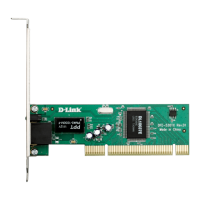
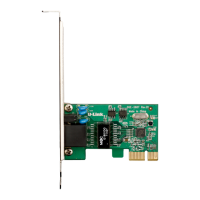
After the DFE-530TX+ has been installed into your Macintosh and
you have turned on your computer, please follow these steps to
install the drivers under Macintosh OS 9.x.
Insert the CD-ROM into the Macintoshs
CD-ROM drive
Double-click on the CD-ROM
icon on the desktop
Double-click on the
Macintosh folder.
Copy the folder
DFE-530TX+ Driver
for Mac OS to
desktop.
Double-click on the
folder DFE-530TX+
Driver for MacOS
when it appears on
your desktop.
Double-click on the
Installer icon.









 To Next Page

