14D-Link DHP-W310AV User Manual
Section 3 - Conguration
Conguration
Setup
If you wish to change the default settings or optimize the performance
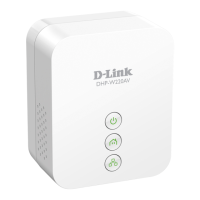
of the DHP-W310AV, you may use the web-based conguration utility.
To access the conguration utility, open a web browser such as Internet
Explorer and enter either http://dlinkapWXYZ.local. (this is on the Wi-Fi
Conguration Card) or http://192.168.0.50 in the address eld.
By default, Admin will be the User Name . Leave the password blank.
If you receive a “Page Cannot be Displayed” error, please refer to
“Troubleshooting” on page 52 for assistance.
You will automatically proceed to the Setup heading after logging in.


 To Next Page