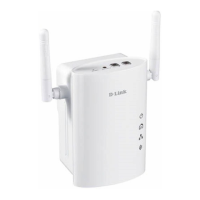
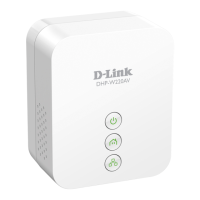
8D-Link DHP-W310AV User Manual
Section 1 - Product Overview
Hardware Overview
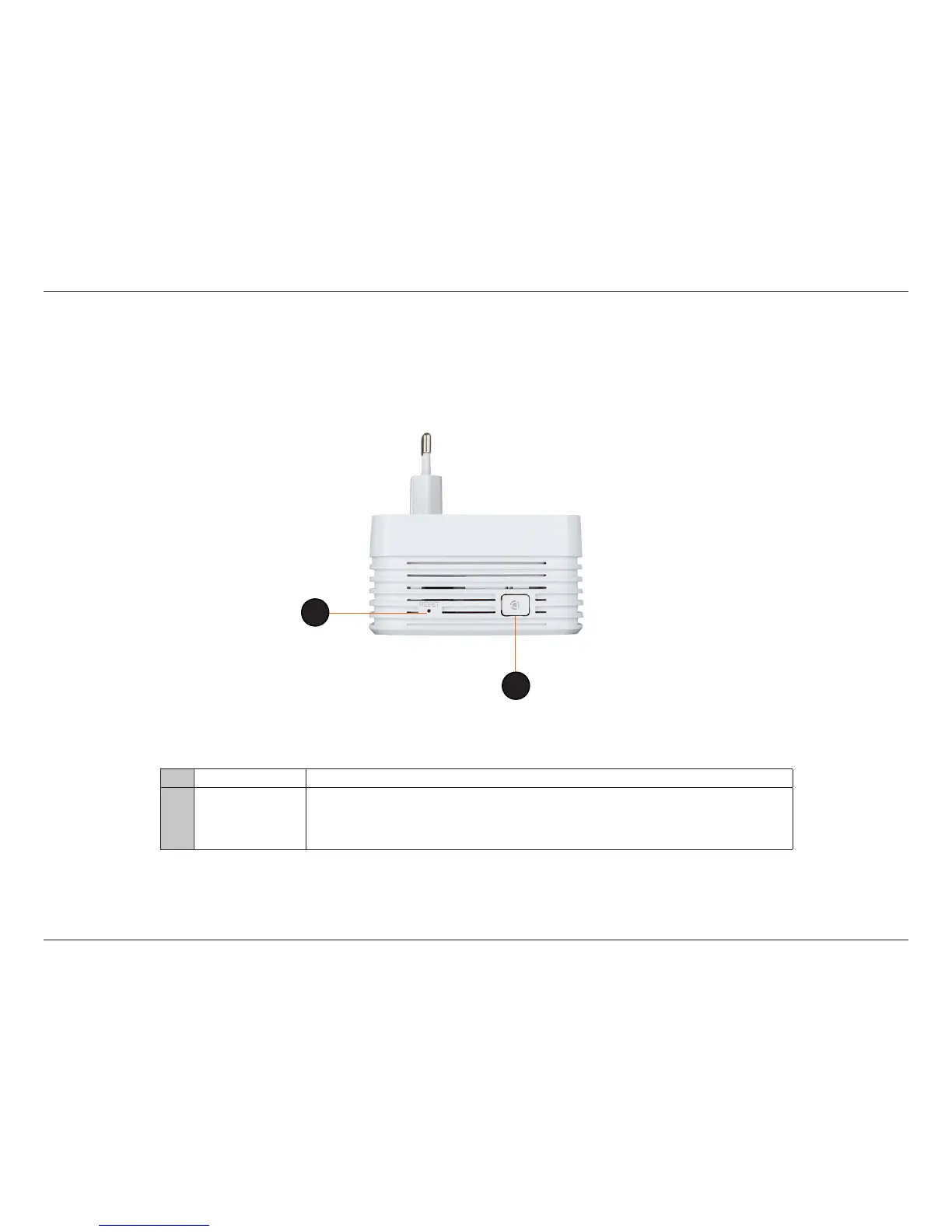
Side
1 Reset Button Press and hold the button for 5 seconds to reset to factory default.
2
Common Connect
Button
Push this button to create a secure Powerline connection with another adapter. More on this
connection is available at “Powerline Network - Quick Setup” on page 12 and “Hardware Installation
- For Wireless Router” on page 13. It can also be used to connect using Wi-Fi Protected Setup (WPS).
To connect using WPS, press this button, then press the WPS button on your wireless client.
1
2



 To Next Page