14
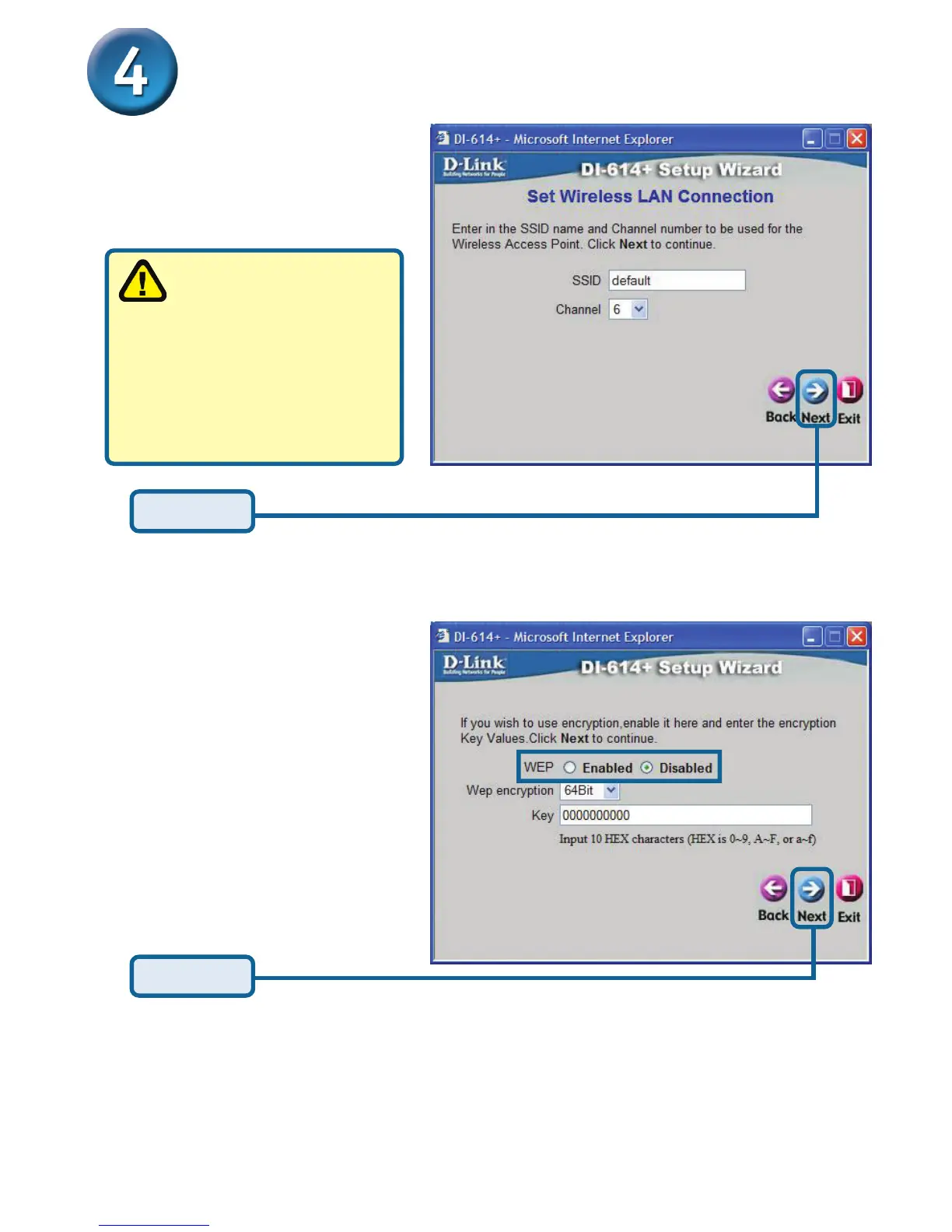
If you wish to use encryption
for your 802.11b network, the
DI-614+ is capable of three
levels of wireless encryption -
64-bit, 128-bit, and 256-bit. By
default the encryption is
disabled. You can change
the encryption settings for
more secure wireless commu-
nication.
The Setup Wizard (continued)
The default settings are:
SSID = default
Channel = 6
Click Next
Wireless Setup
Click Next
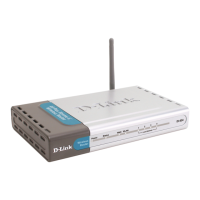
The DI-614+ will connect
with the DWL-650+ right
out of the box, using the default
settings. If you choose to
change the settings, make sure
that the Encryption and SSID
settings are the same for both
the DI-614+ and any wireless
adapter.








 To Next Page