99D-Link DIR-600 User Manual
Section 5 - Connecting to a Wireless Network
Congure WPS
The WPS feature of the router can be congured using Windows
®
7. Carry out the following steps to use Windows
®
7 to congure
the WPS feature of the router:
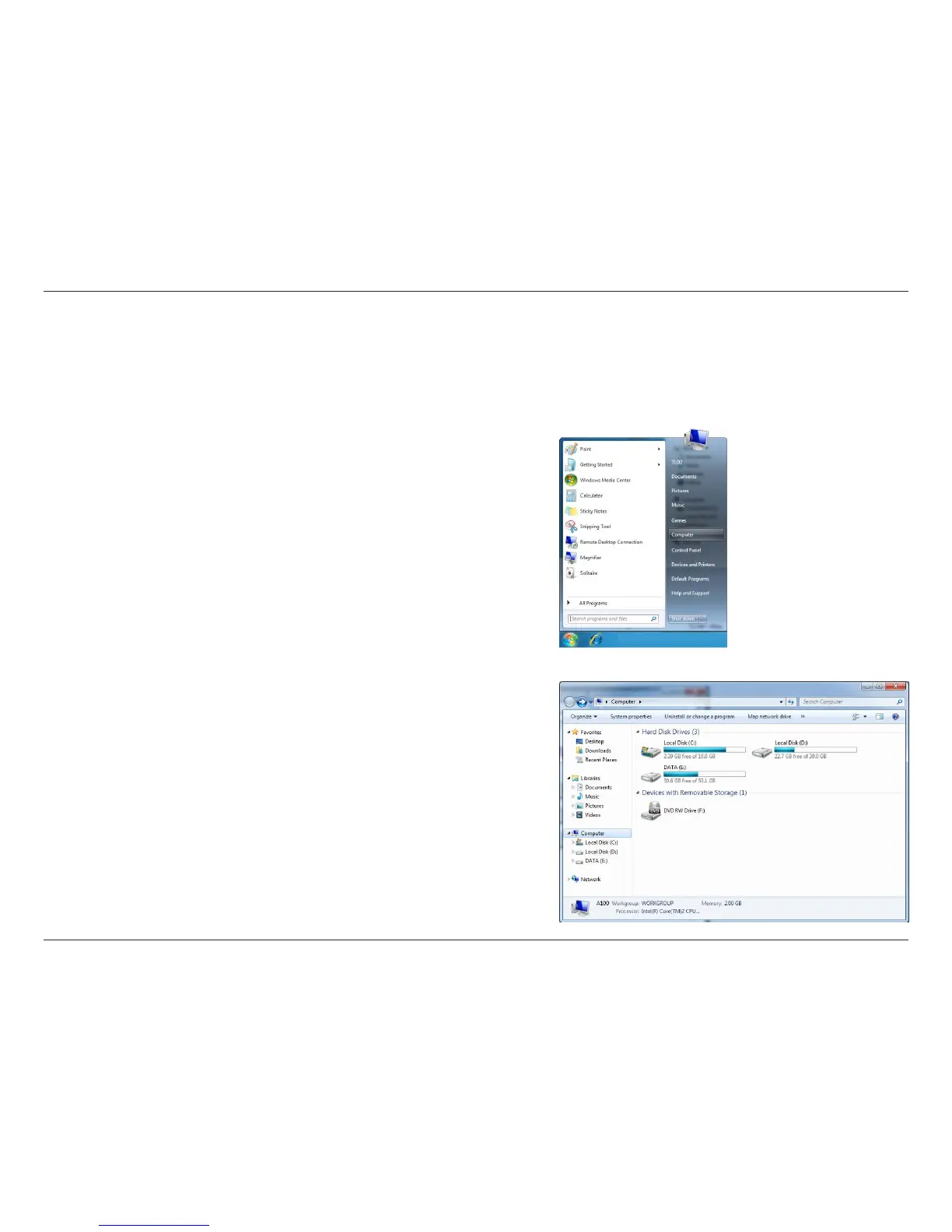
1. Click the Start button and select Computer from the Start
menu.
2. Click the Network option.












 To Next Page