98D-Link DIR-809 User Manual
Section 3 - Conguration
Save Settings Don’t Save Settings
Firewall Settings
FIREWALL & DMZ SETTINGSFIREWALL SETTINGS
DIR-809
ADVANCED
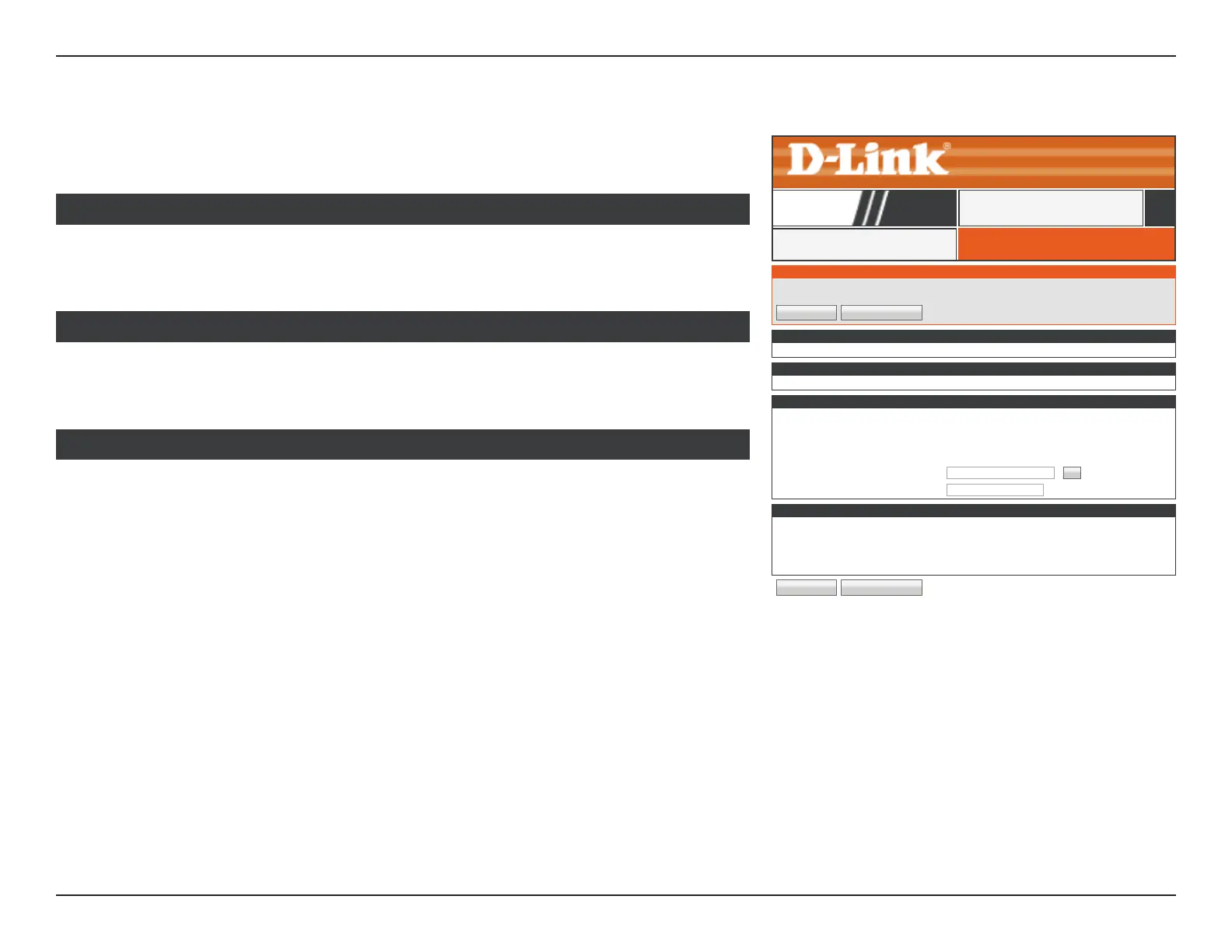
Enable SPI: Enable or disable the Stateful Packet Inspection (SPI) firewall.
Disabling the rewall is not recommended.
FIREWALL SETTINGS
FIREWALL & DMZ SETTINGS
DMZ means "Demilitarized Zone". DMZ allows computers behind the router rewall to be accessible to Internet trafc.Typically, your
DMZ would contain Web servers, FTP servers and others.b
Save Settings Don’t Save Settings
FIREWALL SETTINGS
Enable SPI :
☑
APPLICATION LEVEL GATEWAY (ALG) CONFIGURATION
PPTP :
☑
IPSec (VPN) :
☑
RTSP :
☑
SIP :
☑
ANTI-SPOOF CHECKING
Enable anti-spoof checking :
☑
DMZ HOST
The DMZ (Demilitarized Zone) option lets you set a single computer on your network outside of the router.If you have a computer that
cannot run Internet applications successfully from behind the router, then you can place the computer into the DMZ for unrestricted
Internet access.
Note:Putting a computer in the DMZ may expose that computer to a variety of security risks. Use of this option is only recommended
as a last resort.
Enable DMZ :
☑
DMZ IP Address : <<
Computer Name
▼
Enable anti-spoof
checking:
Enable or disable anti-spoof checking.
ANTISPOOF CHECKING
This option allows you to manually congure the router’s demilitarized zone (DMZ). The
DMZ should only be used as a last resort when you are having diculty using other port
forwarding tools since the device using this IP address is not protected by the rewall. If
you use DMZ, take measures such as client-based virus protection to protect the remaining
client PCs on your LAN from possible attacks through DMZ’d device.
Enable DMZ: Check the box to enable the DMZ function.
DMZ Host IP
Address:
Enter the IP address of the machine that you wish to place in the DMZ.
If the machine receives an IP address from the DHCP server, you should
create a static DHCP reservation to ensure that the machine always
receives the same address from the DHCP server. Use the Computer
Name dropdown menu and the << button to quickly select a device.
The IP address is automatically populated.
DMZ HOST
Click Firewall Settings on the navigation menu to congure the Firewall Settings. When
you are satised with your conguration, click Save Settings.



 To Next Page