92D-Link DIR-809 User Manual
Section 3 - Conguration
Inbound Filter
INBOUND FILTERINBOUND FILTER
DIR-809
ADVANCED
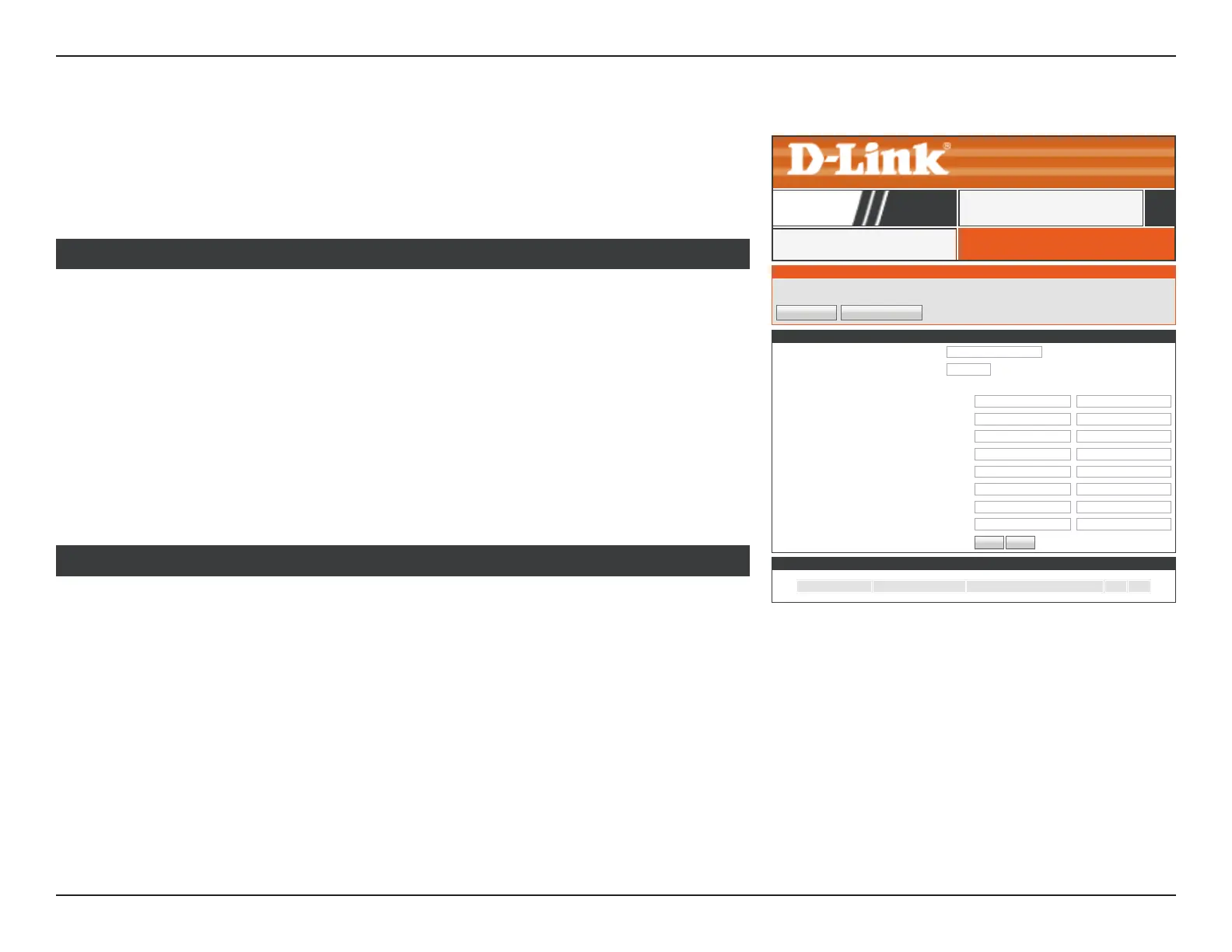
Click Inbound Filter on the navigation menu to congure the Inbound Filter. The Inbound
Filter allows you to place ltering rules on a per IP basis. Using this tool you may restrict
access to or block trac to a specic remote IP address or range. When you are satised
with your conguration, click Save Settings.
ORANGE
OrangeText
Save Settings Don’t Save Settings
INBOUND FILTER RULES LIST
Name Action Remote IP Range
ADD INBOUND FILTER RULE
Name :
Action : Allow
▼
Remote IP Range : Enable Remote IP Start Remote IP End
☑
0.0.0.0 255.255.255.255
☑
0.0.0.0 255.255.255.255
☑
0.0.0.0 255.255.255.255
☑
0.0.0.0 255.255.255.255
☑
0.0.0.0 255.255.255.255
☑
0.0.0.0 255.255.255.255
☑
0.0.0.0 255.255.255.255
☑
0.0.0.0 255.255.255.255
Add
Cancel
The currently dened Inbound Filter rules are listed here.
Click the Save Settings button when you are nished.
INBOUND FILTER RULES LIST
Name: Enter a name for this Inbound Filter.
Action: Allow or Deny trac.
Remote IP Range
Enable: Check the box to enable this rule.
Remote IP Start: Enter the starting IP address to apply the rule to.
Remote IP End: Enter the ending IP address to apply the rule to.
ADD INBOUND FILTER RULE



 To Next Page