107D-Link DIR-809 User Manual
Section 3 - Conguration
Save Settings Don’t Save Settings
IPv6 Routing
ROUTINGIPV6 ROUTING
DIR-809
ADVANCED
ROUTING
This Routing page allows you to specify custom routes that determine how data is moved around your network.
Save Settings Don’t Save Settings
10 -- ROUTE LIST
☑
Name
Destination IPv6 / Prex Length
/
Metric
256
Interface
NULL
▼
Gateway
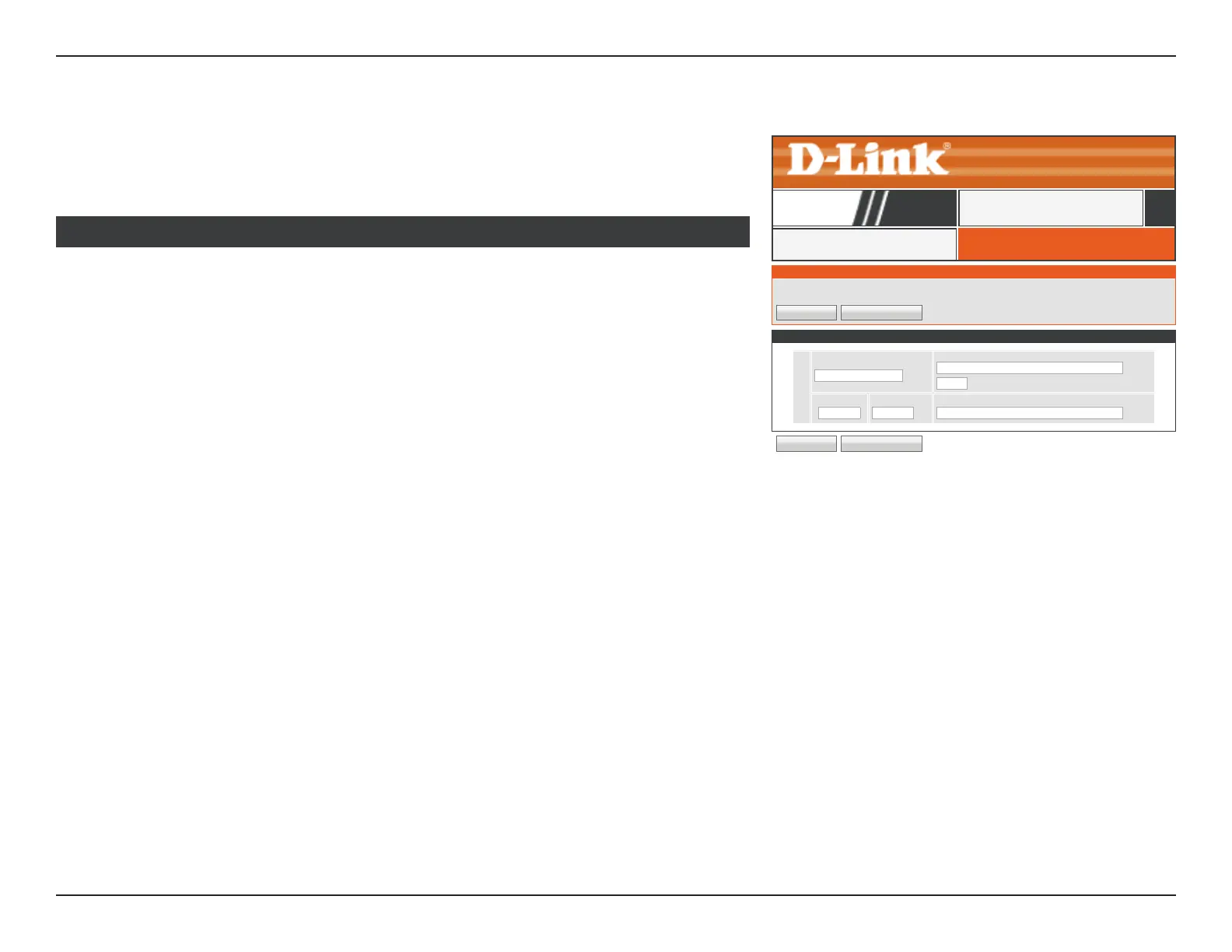
Enable: Check the box to enable this rule.
Name: Enter a name for this IPv6 static route.
Destination IPv6 /
Prex Length:
Enter the destination IPv6 address and Prex Length.
Metric: Enter the metric value between 1-255.
Interface: Select the Interface from the drop-down menu.
Gateway: Enter the gateway IPv6 address.
Click the Save Settings button when you are nished.
10 ROUTE LIST
Click IPv6 Routing on the navigation menu to congure IPv6 Routing. The routing page
allows you to dene custom static routes to control the route which your data takes. When
you are satised with your conguration, click Save Settings.



 To Next Page