118D-Link DIR-809 User Manual
Section 3 - Conguration
Device Info
DEVICE INFORMATIONDEVICE INFO
DIR-809
STATUS
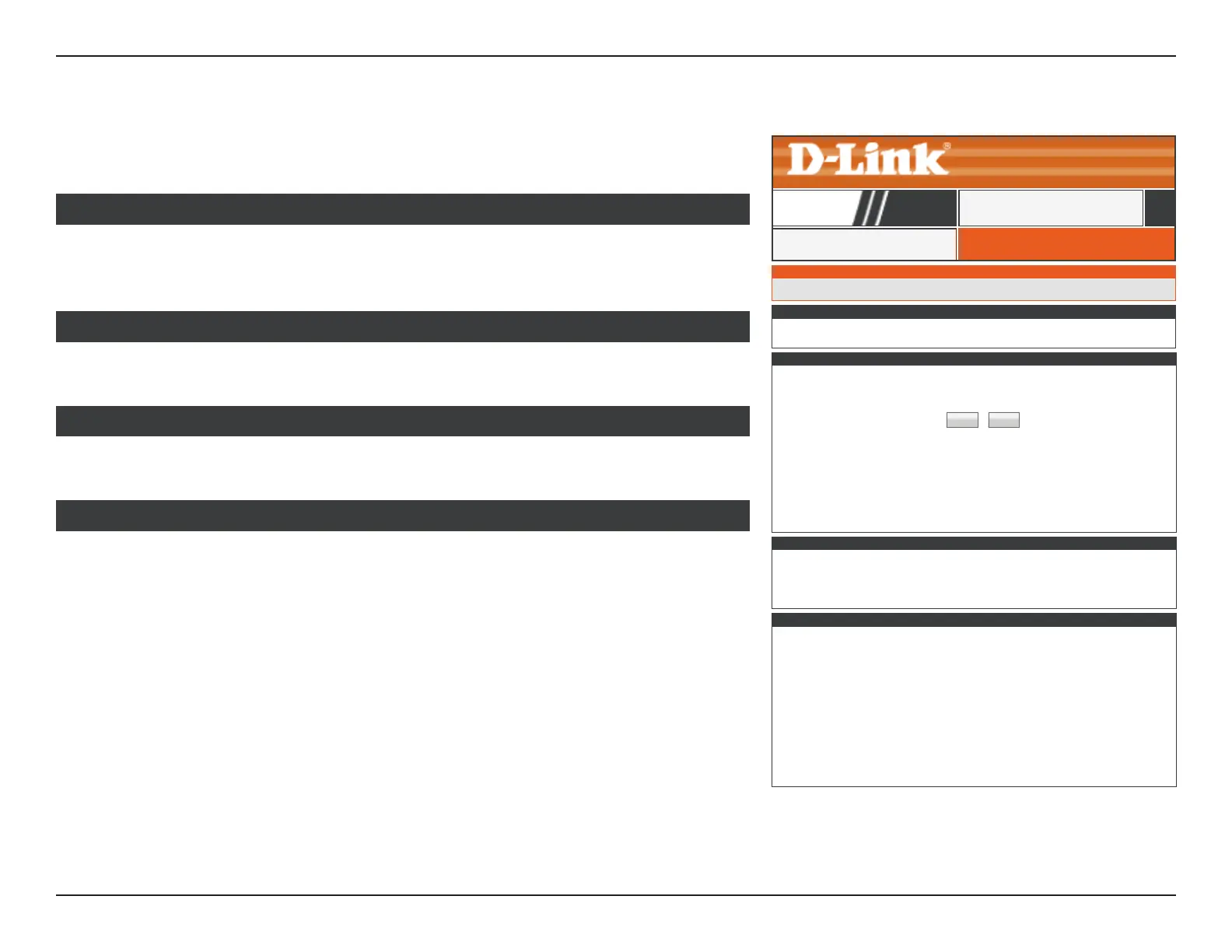
Click Device Info to see current information about the DIR-809. This pages displays LAN,
WAN (Internet), and Wireless information.
The DIR-809’s currently set time and rmware are displayed here.
GENERAL
The DIR-809’s currently congured Internet connection settings are displayed here.
WAN
The DIR-809’s currently congured local network settings are displayed here.
LAN
The DIR-809’s currently congured 2.4 GHz wireless network settings are displayed here.
WIRELESS LAN
DEVICE INFORMATION
All of your Internet and network connection details are displayed on this page. The rmware version is also displayed here.
WAN
Connection Type :
DHCP Client
Cable Status : Connected
Network Status : Connected
Renew Release
Connection Up Time : 0 Day 0 Hour 0 Min 0 Sec
MAC Address : ff:ff:ff:ff:ff:ff
IP Address : 192.168.0.1
Subnet Mask : 255.255.255.0
Default Gateway : 192.168.0.1
Primary DNS Server : 192.168.0.1
Secondary DNS Server : 192.168.0.1
LAN
MAC Address :
ff:ff:ff:ff:ff:ff
IP Address : 192.168.0.1
Subnet Mask 255.255.255.0
DHCP Server : Enabled
WIRELESS LAN
Wireless Radio :
Enabled
MAC Address : ff:ff:ff:ff:ff:ff
802.11 Mode : Mixed 802.11n, 802.11g and 802.11b
Channel Width : 20/40MHz
Channel : 1
Network Name (SSID) : Your_2.4GHz_Network
Wi-Fi Protected Setup :
Enabled/Not congured
Security :
NONE
Guest Zone Wireless Radio : Disabled
Guest Zone Network Name (SSID) :
Guest Zone Security :
NONE
GENERAL
Time: 2016-09-19 13:00
Current Firmware Version : V1.01



 To Next Page