31D-Link DIR-809 User Manual
Section 3 - Conguration
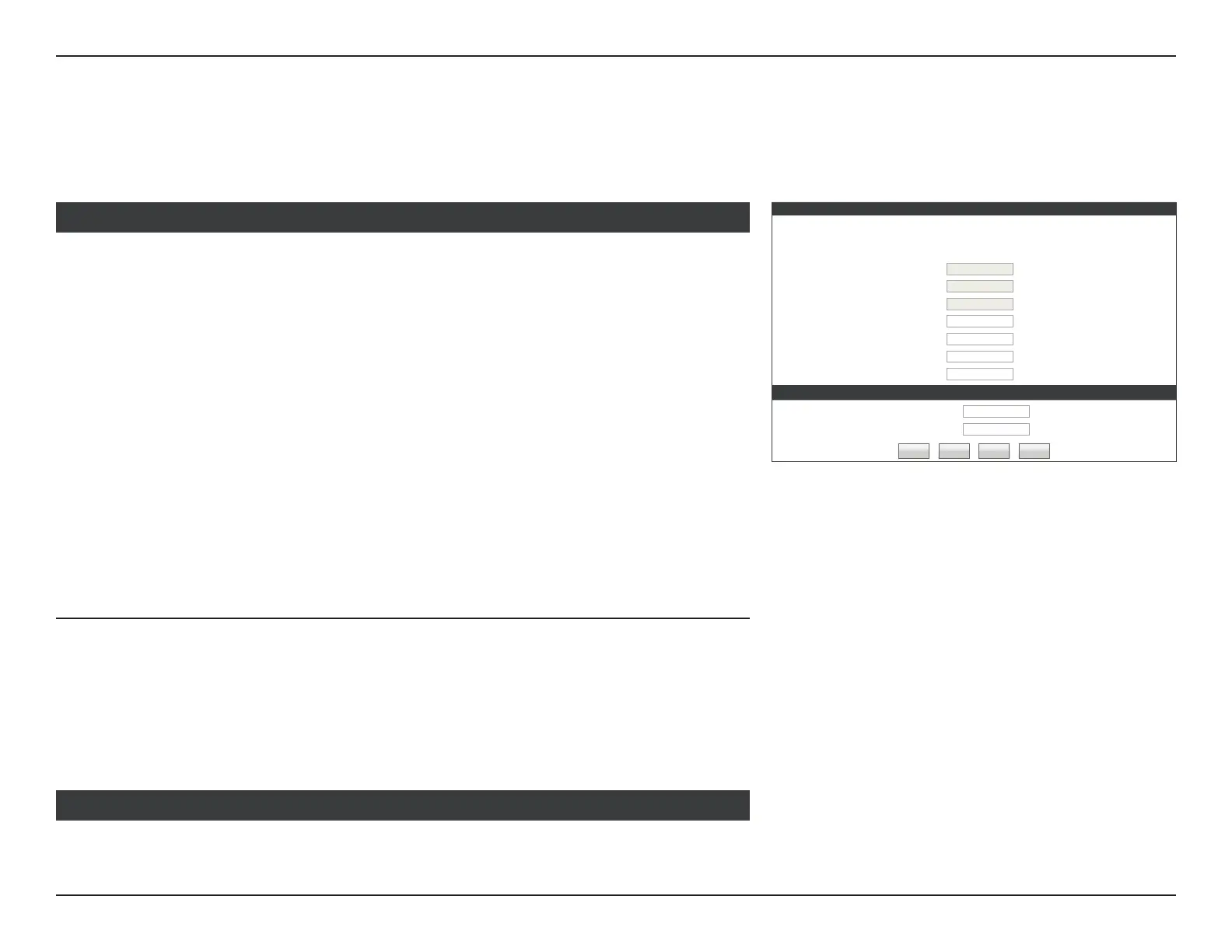
If you choose Username / Password Connection (PPTP) as your Internet Connection, enter your IP address, congure the following settings:
SET USERNAME AND PASSWORD CONNECTION (PPTP)
To set up this connection you will need to have a Username and Password from your Internet Service Provider. You also
need PPTP IP address. If you do not have this information, please contact your ISP.
Address Mode :
Dynamic IP Static IP
PPTP IP Address :
PPTP Subnet Mask :
PPTP Gateway IP Address :
PPTP Server IP Address :
(may be same as gateway)
User Name :
Password :
Verify Password :
DNS SETTINGS
Primary DNS Address :
Secondary DNS Address :
(optional)
Prev Next Cancel Connect
Address Mode: Select either Dynamic IP or Static IP
If you choose Static IP as the Address Mode, enter your IP address:
PPTP IP Address: Enter the PPTP IP Address provided by your ISP.
PPTP Subnet
Mask:
Enter the PPTP Subnet mask provided by your ISP.
PPTP Gateway IP
Address:
Enter the PPTP Gateway IP Address provided by your ISP.
If you choose Dynamic IP or Static IP as the Address Mode, enter your PPTP Server IP
address:
PPTP Server IP
Address:
Enter the PPTP Server IP address provided by your ISP.
SET USERNAME AND PASSWORD CONNECTION PPTP
Username: Enter the username provided by your ISP.
Password: Enter the password provided by your ISP.
Verify Password: Enter the password provided by your ISP one more time.
Primary DNS
Server:
Enter the primary DNS server IP addresses.
DNS SETTINGS
PPTP
Internet Connection Setup Wizard (continued)



 To Next Page