54D-Link DIR-809 User Manual
Section 3 - Conguration
Channel Width
(2.4 GHz):
Select Auto 20/40 if you are using both 802.11n and non-802.11n
devices, or select 20 MHz if you are not using any 802.11n devices.
Channel Width
(5 GHz):
Select Auto 20/40/80 if you are using 802.11ac, 802.11n, and 802.11a
devices. Auto 20/40 select if you are using 802.11n and 802.11a
devices. 20 MHz if you are only using 802.11a devices. Higher channel
width allows for higher speeds.
Visibility Status: The default setting is Visible. Select Invisible if you do not want to
broadcast the SSID of your wireless network.
Note: Making a network invisible is not a form of security alone.
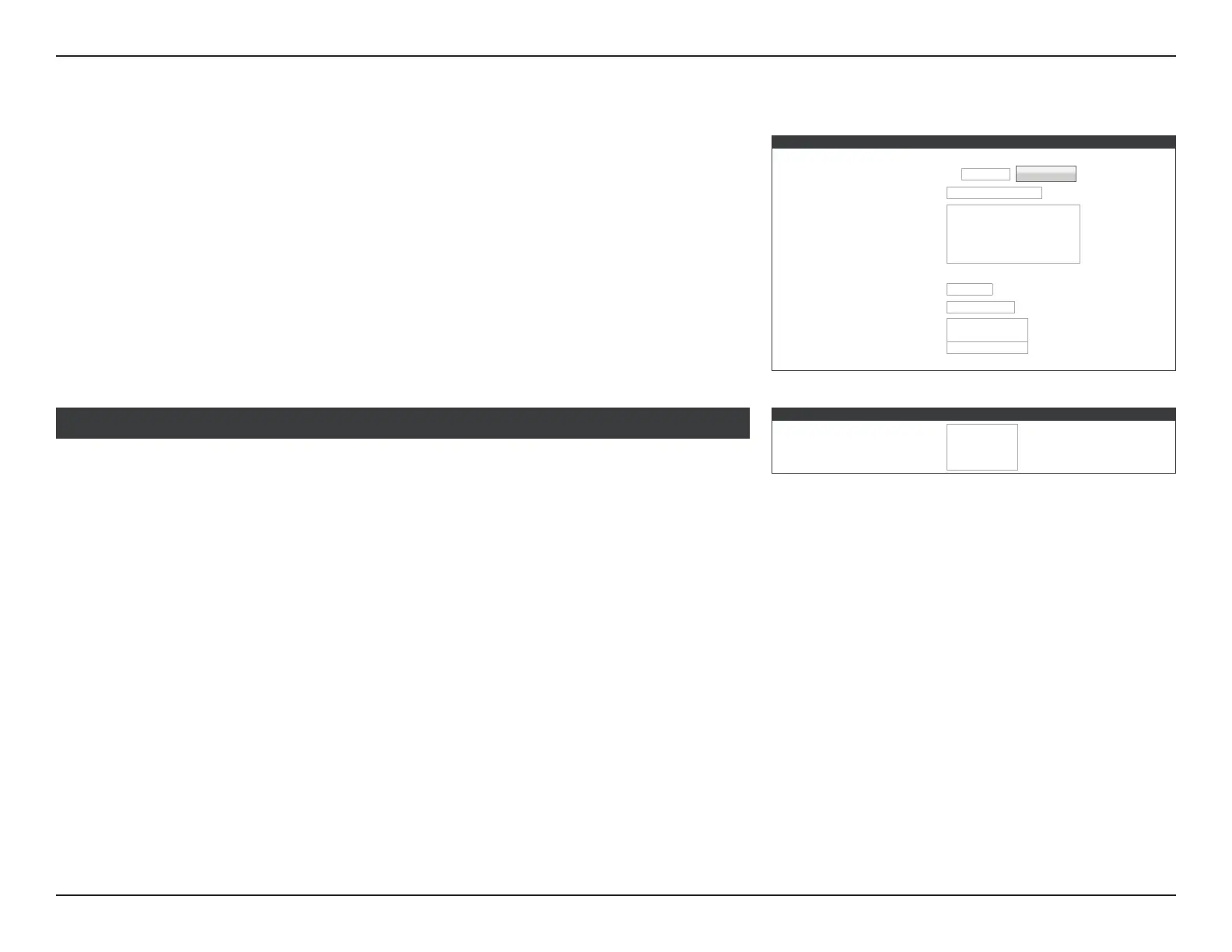
WIRELESS NETWORK SETTINGS
Wireless Band : 5GHz Band
Enable Wireless :
☑
Always
▼
New Schedule
Wireless Network Name : Your_5GHz_Network
802.11 Mode:
802.11a only
▼
802.11n only
Mixed 802.11a and 802.11n
Mixed 802.11ac and 802.11n
Mixed 802.11ac, 802.11n and 802.11a
Enable Auto Channel Scan :
☑
Wireless Channel : 153
▼
Transmission Rate : Best (automatic)
▼
(Mbit/s)
Channel Width :
20 MHz
▼
20/40 MHz(Auto)
20/40/80 MHz(Auto)
Visibility Status :
Visible Invisible
Manual Wireless Connection Setup (continued)
WIRELESS SECURITY MODE
Security Mode :
None
▼
WEP
WPA-Personal
WPA-Enterprise
Refer to Wireless Security Mode on page 55 for more information on conguring your
wireless network’s security.
WIRELESS SECURITY MODE



 To Next Page