D-Link DNS-346 USER’S MANUAL
Page 44 of 85
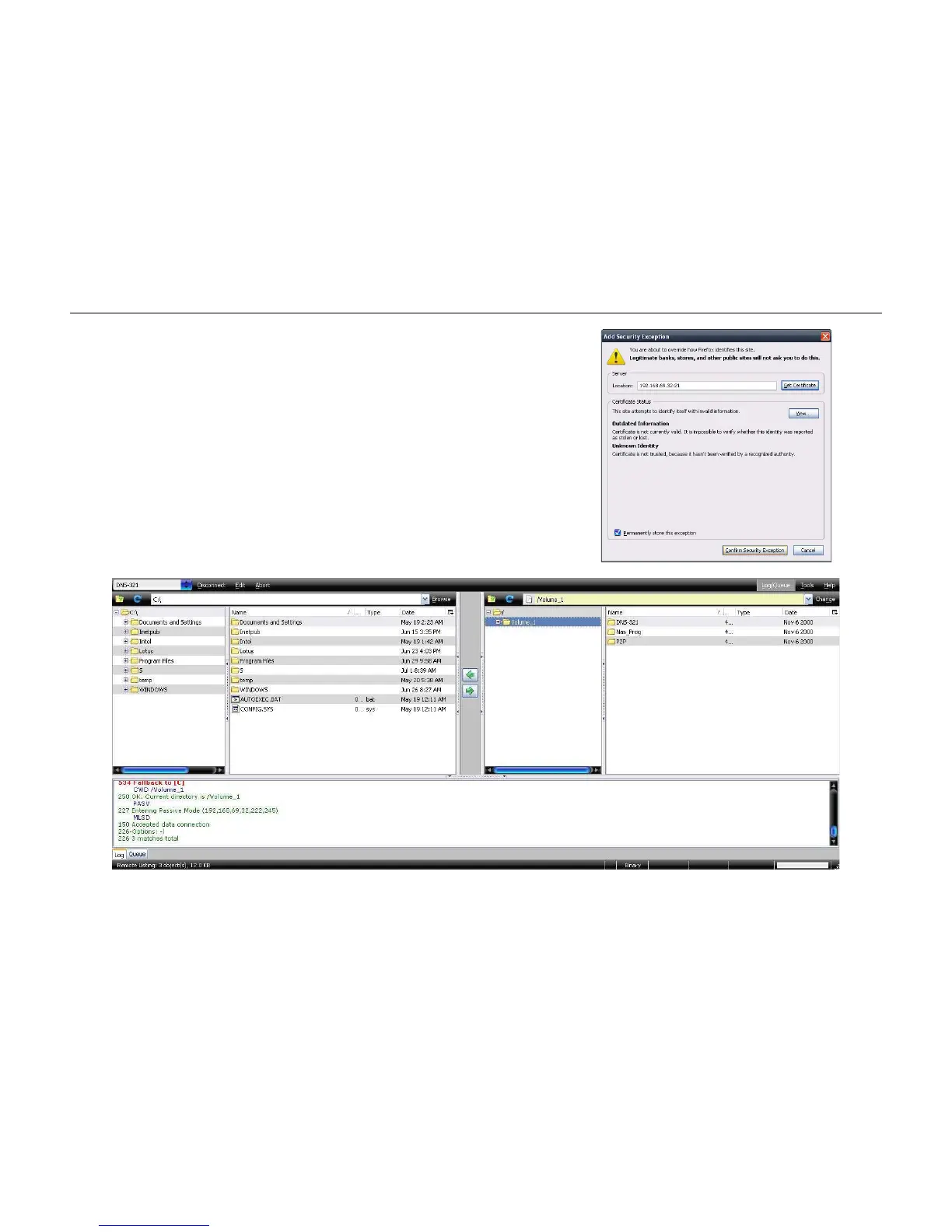
Step 8:
Step 9:
After the certificate has been acquired click on the “Confirm
Security Exception” button to finish the security confirmations.
Select the newly added FTP connection and click on the Connect
option if it has not already connected by itself.
If you can see your files on the right block from the DNS-346, the
connection has been established successfully.



 To Next Page