D-Link DNS-346 USER’S MANUAL
Page 17 of 85
Wizard Page
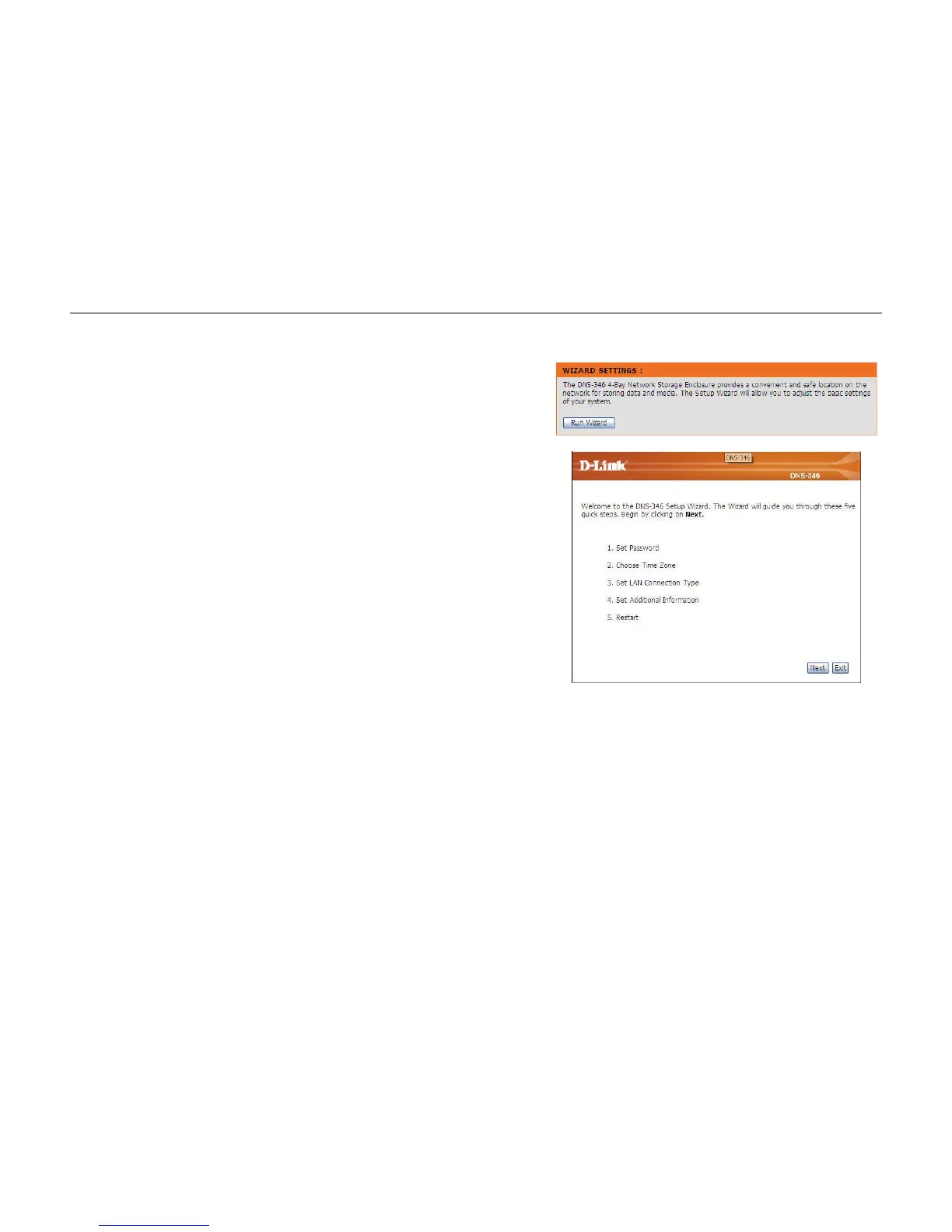
The DNS-346 has a setup wizard that allows you to quickly configure some of the basic device
settings. Click the Run Wizard button to start the setup wizard.
Step 1: When running the DNS-346 setup wizard, the welcome screen
details the five steps of the wizard.
Click on the Next button to accept these changes and continue.
Click on the Exit button to discard these changes.



 To Next Page