D-Link DNS-346 USER’S MANUAL
Page 83 of 85
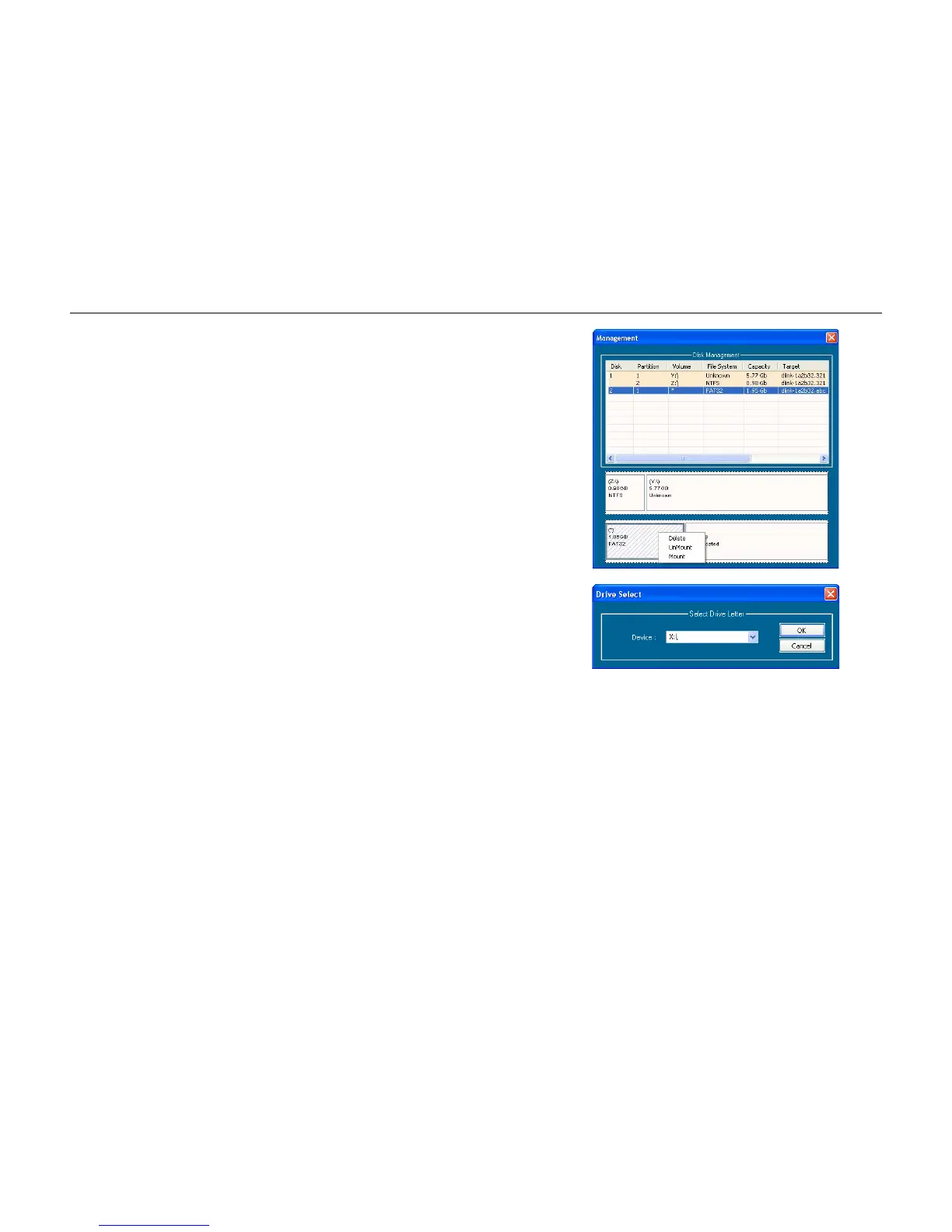
Mounting Disks: When a partition is not mounted, a * (start) symbol will appear in
the Volume column in the Disk Management list.
Carry out the following steps to mount a disk:
Right-click an unmounted partition and click Mount.
The Drive Select window appears.
Select the drive letter in the Device drop-down list.
Click the OK button.



 To Next Page