DSL-2740U Quick Installation Guide
Obtaining IP Address Automatically
in OS Windows XP
1. Click the Start button and proceed to the Control Panel > Network
and Internet Connections > Network Connections window.
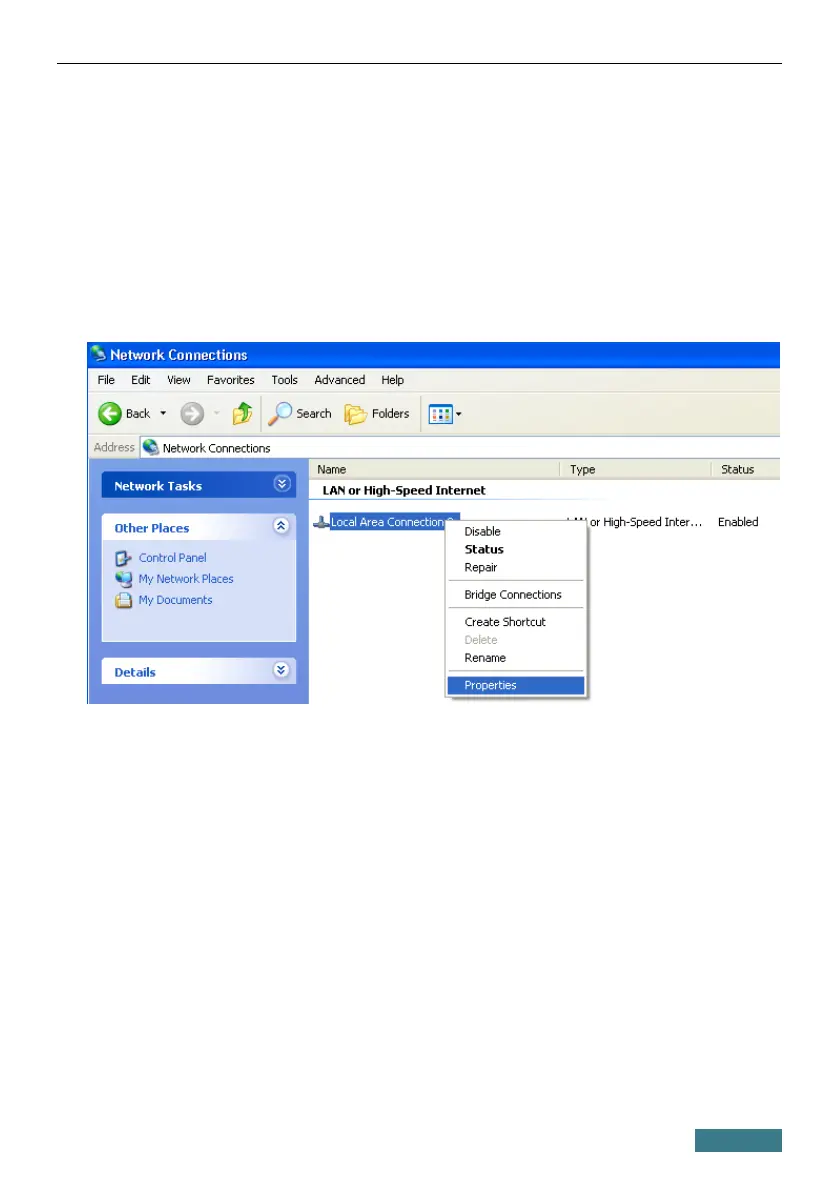
2. In the Network Connections window, right-click the relevant Local
Area Connection icon and select the Properties line in the menu
displayed.
3. In the Local Area Connection Properties window, on the General
tab, select the Internet Protocol (TCP/IP) line. Click the Properties
button.
6



 To Next Page
 Loading...












