DSL-514 ADSL Router User’s Guide
27
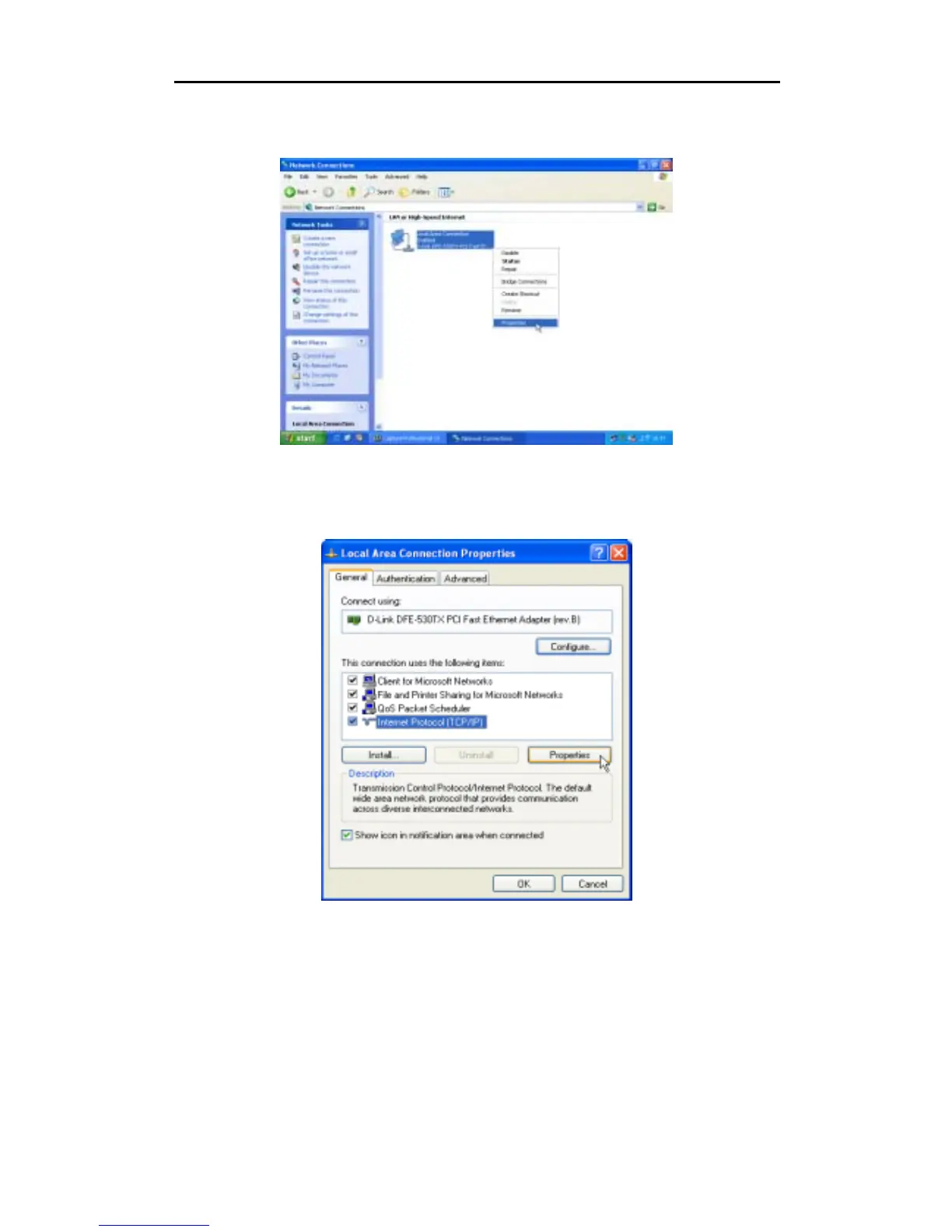
3. In the LAN or High-Speed Internet window, right-click on icon corresponding to your network interface
card (NIC) and select
Properties
. (This icon may be labeled Local Area Connection)
4. In the
General
tab of the
Local Area Connection Properties
menu. Highlight
Internet Protocol
(TCP/IP)
under “This connection uses the following items.” by click on it once. Click on the
Properties
button.



 To Next Page