DSL-514 ADSL Router User’s Guide
30
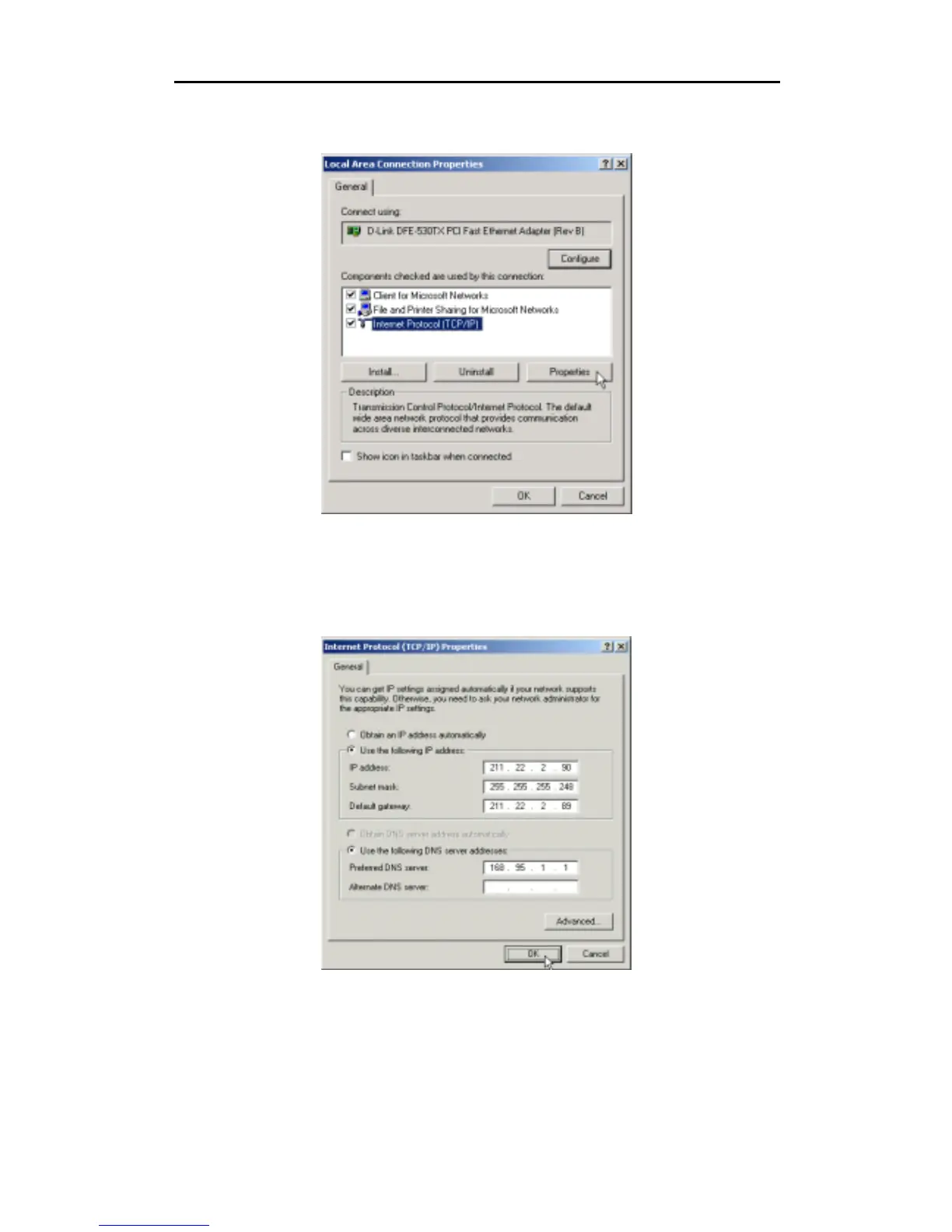
4. In the Local Area Connection Properties dialog box, select
Internet Protocol (TCP/IP)
, and then click
Properties
.
5. The
Internet Protocol (TCP/IP)
window appears. Under the
General
tab, select
Use the following IP
address
. Enter the
IP address
,
Subnet Mask
, and
Default Gateway
given to you by your ISP or
ADSL service provider, then select
Use the following DNS server addresses:
, enter the DNS
settings given to you by your ISP or ADSL service provider. Click
OK
.



 To Next Page