Technical Support Setup Procedure
5 To manually input the APN, type it into the APN field provided by your telco provider and
click Save & Apply.
D-Link Mobile Connect App
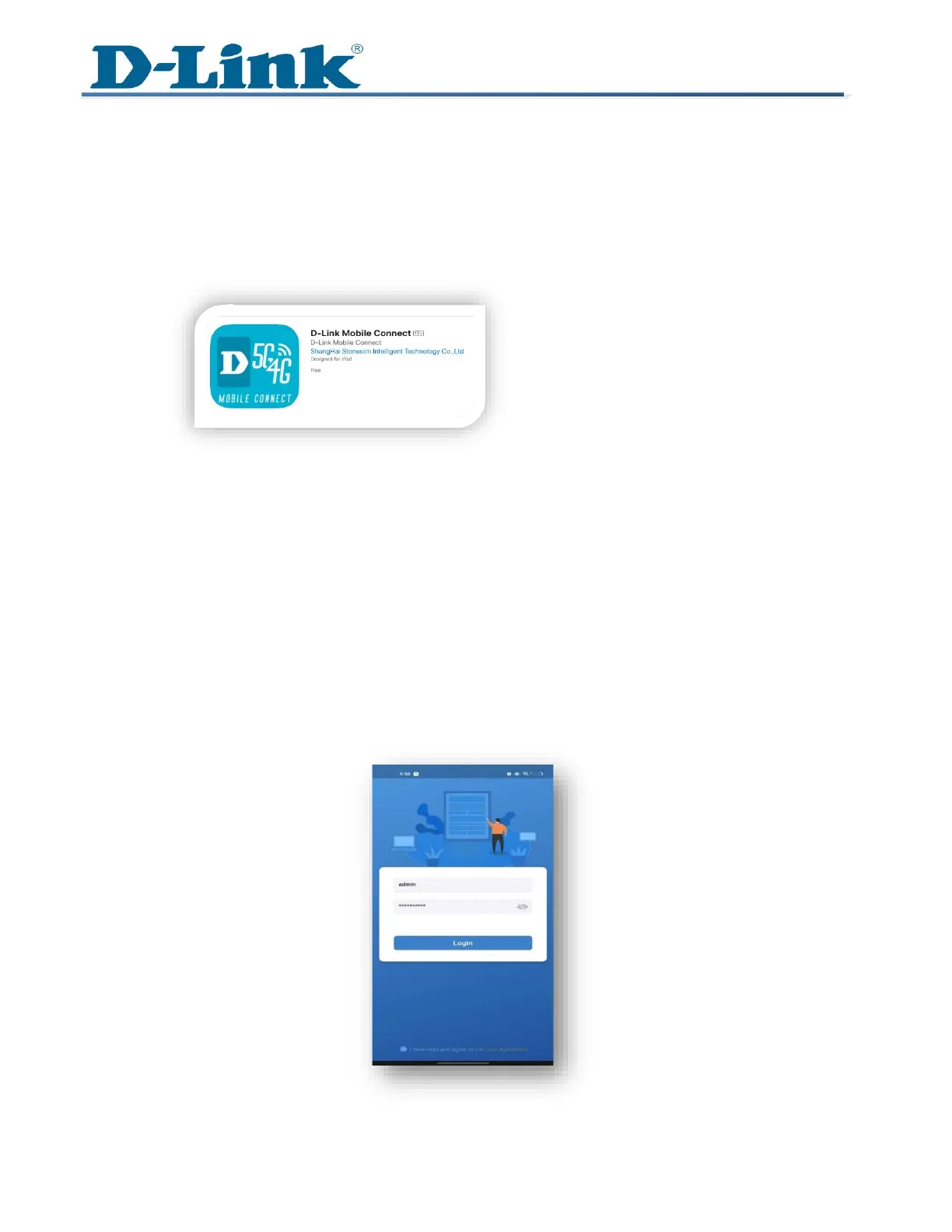
1 Download and install the “D-Link Mobile Connect app” from your mobile device’s Play
Store / Apple store.
2 Ensure the DWR-933M is powered on. On your mobile device, go to Wi-Fi Settings and
connect to the default Wi-Fi network name (SSID) D-LINK2G-XXXX, by default the
password printed under the battery on the back of the device.
3 Once connected to the DWR-933M wirelessly. Launch the D-Link Mobile Connect App.
4 You will be prompted to enter the username and password to access the router’s settings.
The default username is admin and the password (refer on the device label)
Note: Please check the box below indicating "I have read and agree to the User Agreement." And
Press Login.



 To Next Page