How to use
6
※
Use “Clause 5. Installation” as your reference to install CTC-7 in your intended environment.
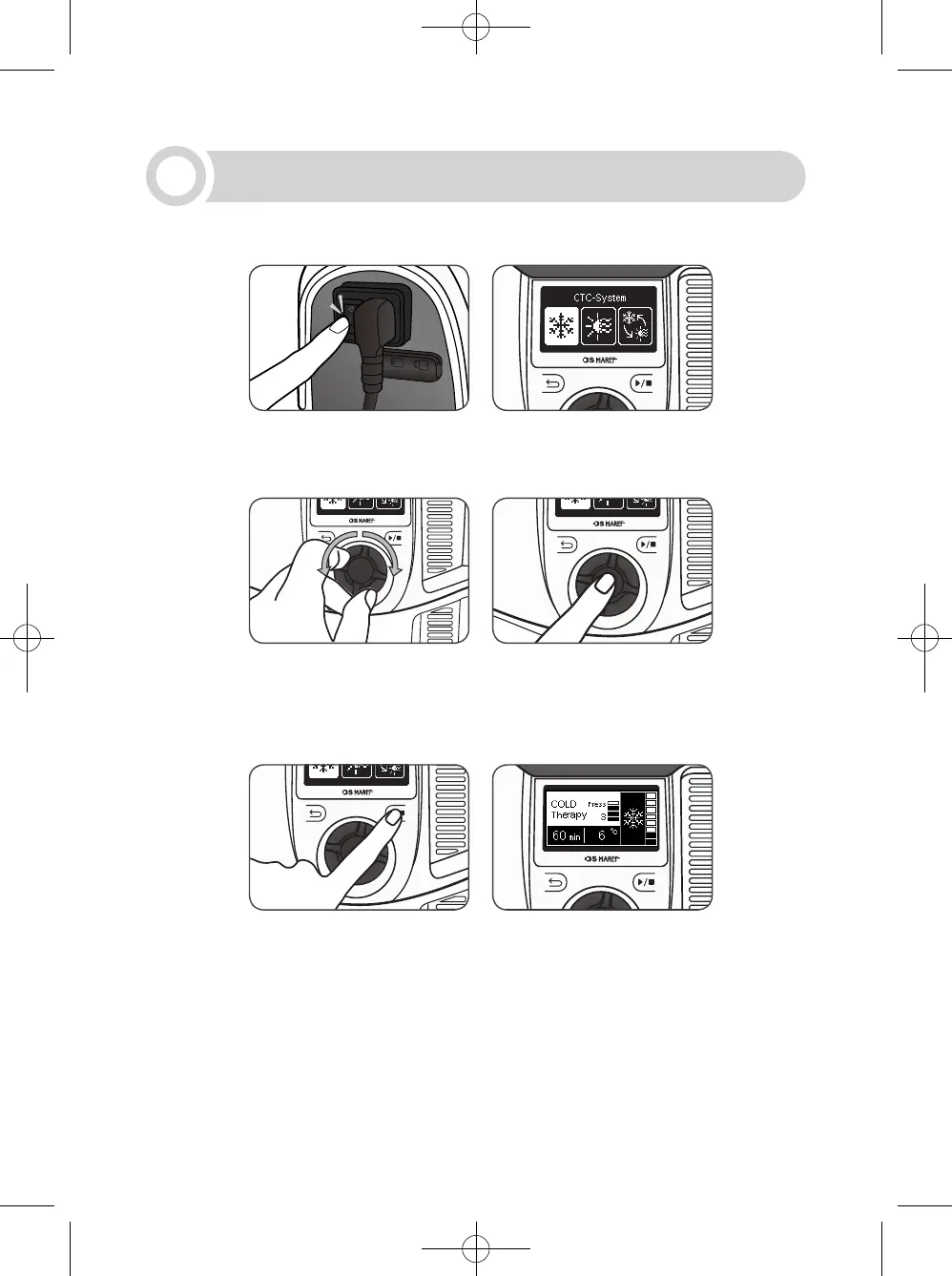
1) When you turn on the power switch located on the side of this device, the mode selection
screen will appear.
2) On the mode selection screen, rotate the knob wheel counterclockwise or clockwise to
select the most to be used. Select the mode to be used and press the knob wheel to move
to the standby screen of the selected mode.
3) Finish setting the mode to be used and press the start/stop button to activate the mode
based on the settings.
* Use “6-1, 6-2 Setting” as your reference to set each mode.
* While this device is in operation, the settings cannot be changed.
To change the settings, stop this device from operating.
* To stop this device from operating, press the start/stop button and press the knob wheel.
24



 To Next Page