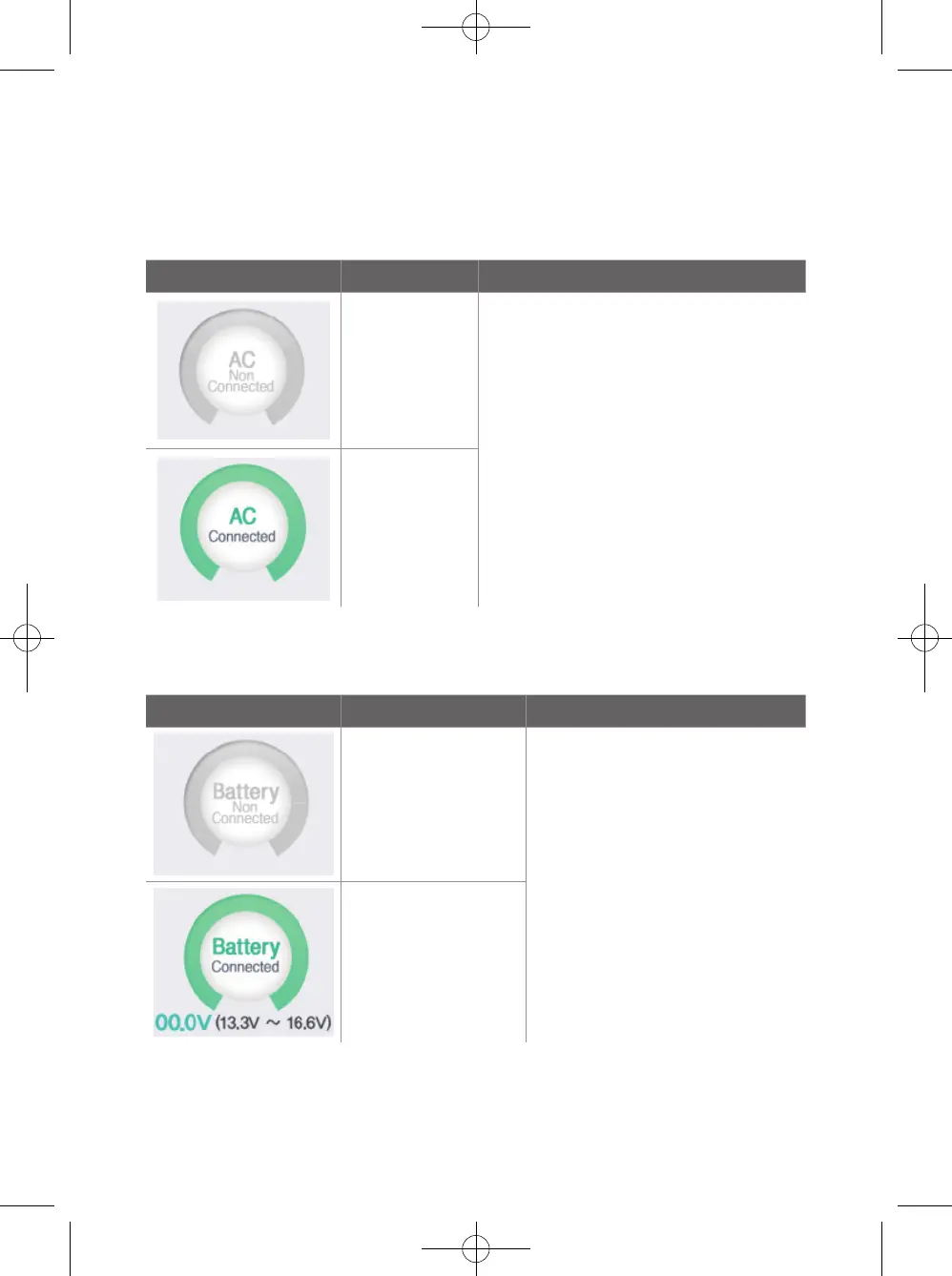
7-2-2. Power display
7-2-3. Battery indicator
Display Status Test method
AC is not
connected.
Reboot the device in Maintenance mode
while battery is in it then check if AC
connection status shows in the right way
as AC connection goes and disconnection
goes.
AC is connected
Display Status Test method
Battery is not
recognized
- Reboot in Maintenance mode while
AC cord is connected then check if
battery connection condition works
on display correctly.
- Verify if battery is in the acceptable
coverage area. Check if battery is
recharged with AC connection. If
the rest of battery bar is lower than
13.3 Voltage, it is necessary to be
recharged.
- Battery is recognized
- Battery capacity
indication and
Acceptance coverage
indication
* Check the service manual for battery specifications and replacement instructions.
34
UserManual_DTS-3000_170223_인증용.indd 34 2017-02-23 오후 2:06:08


 To Next Page