38
Playing a desired scene
Book Mark
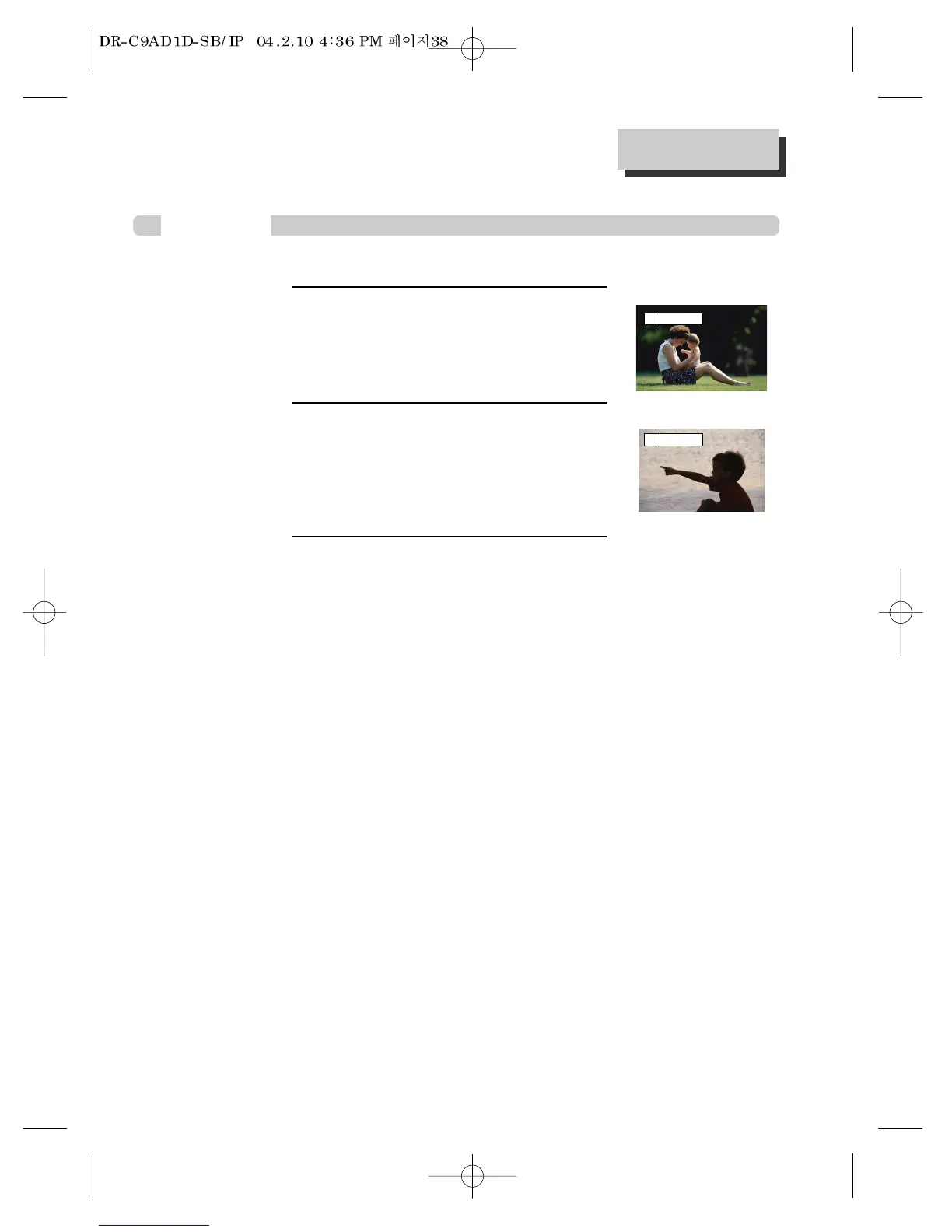
To memorise a scene,
press [MARK] button while DVD playing. Then press
[ENTER] button to save a scene.
* Moving cursor with [œ/√] button to select the saving
position, up to 5 scenes can be memorised.
1
To play a memorised scene,
press [MARK] button.
Moving cursor with [œ/√] button to get the desired
scene and press [ENTER] button. Playback will start
from the memorised position.
2
To erase a memorised scene,
press [MARK] button.
Press [CLEAR] button on the bookmark number you
want to erase.
3
■ Once memorising a scene, the user may watch it anytime.
DVD
[ _ ] _ _ _ _
1 2 3 4 [ 5 ]



 To Next Page