39
DVD Operation
Playing a desired scene
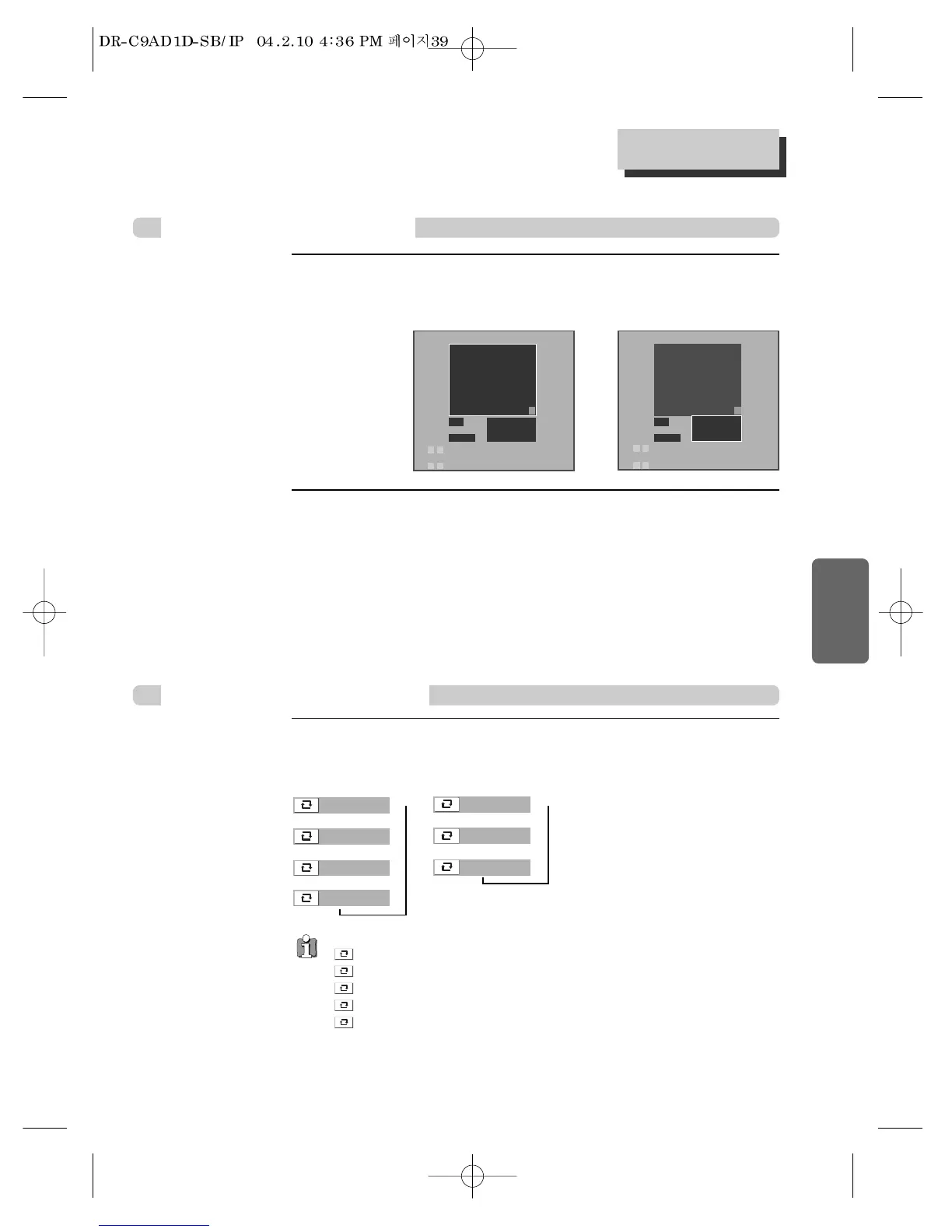
While STOP, press [PROGRAM] button.
While the figure is appearing, please select desired track by pressing […/†] and [ENTER]
button.
1
After completing setting, press [PLAY/PAUSE] button.
Then, titles and chapters (track) are played in the above-programmed order.
To exit from Program Play mode, press the [PROGRAM] button once more in Program
menu screen.
2
Repeating a defined period
Press the [REPEAT] button in playback mode and select the repeat period
by using the […/†] buttons.
VCD, CD
Playing a programmed order
DVD, VCD, CD
• Chapter : Current chapter will be repeatedly playback.
• Title : Current title will be repeatedly playback.
• Track : Current track will be repeatedly playback.
• Disc : Current disc will be repeatedly playback.
• Off : Repeat playback will be cancelled.
- DVD -
1/4:Off
2/4:Chapter
3/4:Title
➝➝
4/4:Disc
➝
➝
- CD -
1/3:Off
2/3:Track
3/3:Disc
➝➝
➝
Program
> Track 001 (00:03:12)
Track 002 (00:03:54)
Track 003 (00:02:08)
Track 004 (00:03:16)
Track 005 (00:03:11)
Track 006 (00:04:48)
Track 007 (00:03:48)
Track 008 (00:03:02)
Track 009 (00:04:23)
Track 010 (00:04:14)
Track 011 (00:04:50)
Track 012 (00:03:30)
Play
Clear All
Use / arrows to find a track.
Press ENTER to add/remove from program
Use / arrows to select a button or list.
Program
Track 001 (00:03:12)
Track 002 (00:03:54)
Track 003 (00:02:08)
Track 004 (00:03:16)
Track 005 (00:03:11)
Track 006 (00:04:48)
Track 007 (00:03:48)
Track 008 (00:03:02)
Track 009 (00:04:23)
> Track 010 (00:04:14)
Track 011 (00:04:50)
Track 012 (00:03:30)
Play
Track 001
Track 005
> Track 010
Clear All
Use / arrows to find a track.
Press ENTER to add/remove from program
Use / arrows to select a button or list.
… †
œ √
… †
œ √
†
†



 To Next Page