Method To Use
Basic Menu
24
Picture
Screen
Sound
Function
Install
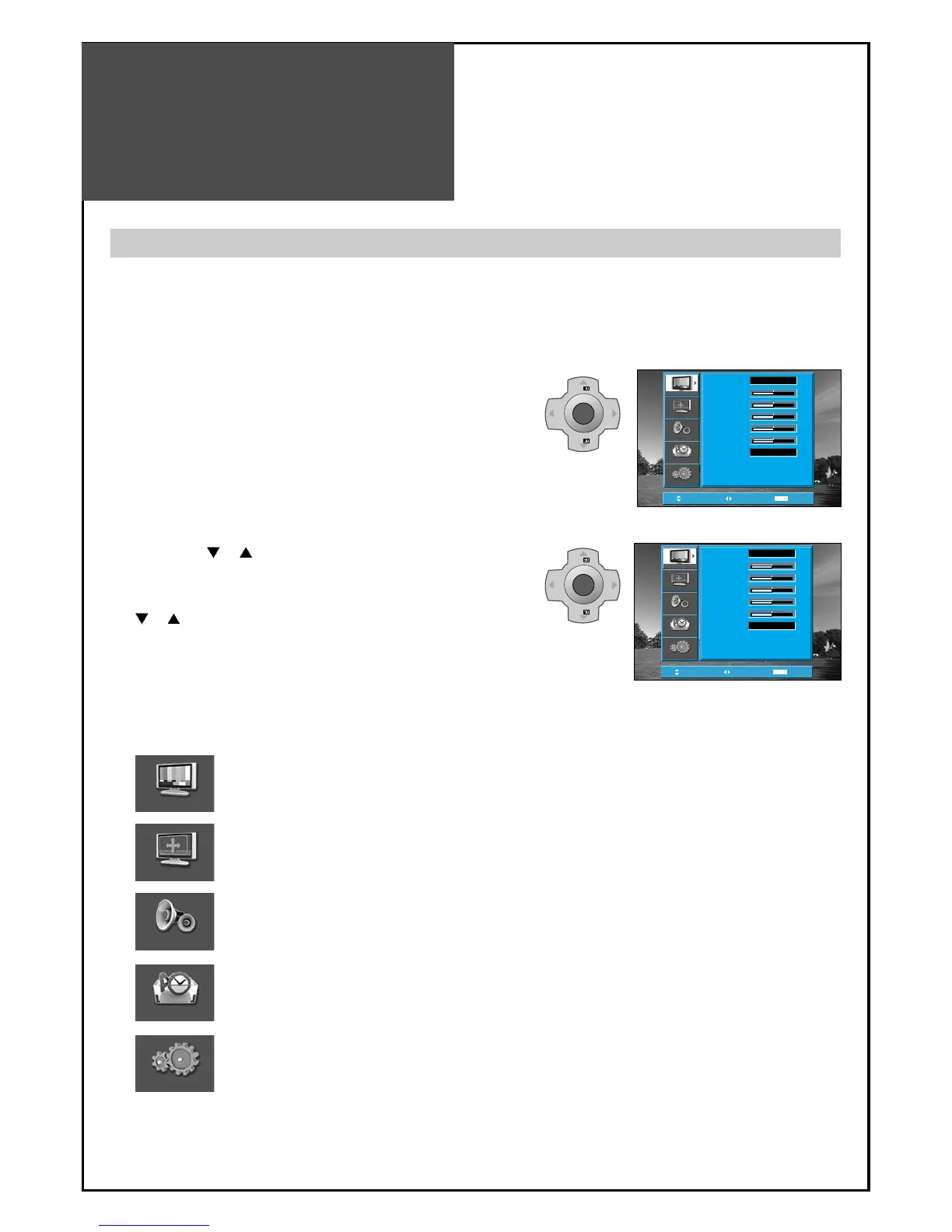
: Adjust Mode, Brightness, Contrast, Colour, Sharpness and Tint(NTSC only).
: Adjusts Aspect, Position(PC mode only)
: Adjusts Mode, Equalizer, 3D Panorama, Dynamic Bass and Balance.
: Adjusts Language, Timer and Child Lock.
: Adjusts Auto Tuning, Manual Tuning, Fine Tuning and Edit.
Position
Access
MENU
Exit
Mode
Brightness
Contrast
Colour
Sharpness
Tint
Colour Temp
Normal
Normal
32
58
32
32
0
Picture
Sound
Function
Install
Screen
2. Press the " PR " button.
• You may setup according to the directions on the
screen after selecting the desired item by pressing the
“
PR ” button.
• If the setup is completed, exit from the menu by
pressing the “MENU” button.
MENU
V
O
L
V
O
L
PR
PR
Position
Access
MENU
Exit
Mode
Brightness
Contrast
Colour
Sharpness
Tint
Colour Temp
Normal
Normal
32
58
32
32
0
Picture
Sound
Function
Install
Screen
- The basic menu appears on the screen if you press the “MENU” button of the remote control.
- There are 5 items Picture, Screen, Sound, Function, and Install in the basic menu.
-
Each item has sub-items under it. If the desired item is selected, the relevant sub-items are displayed upward.
1. Press the "MENU" button.
• The main menu appears if you press the “MENU” button.
Basic Menu



 To Next Page