Note :
• If you are unable to get any programs using Auto Tuning because of a poor broadcasting signal, it is
possible to store the Manual tuning.
• When you enter Manual Tuning after Auto Tuning in France or Swiss, if present channel is SECAM L/L',
TV set can only search SECAM L/L'.
• If you enter by other than by SECAM L/L' signal, TV set can search every by SECAM L/L' signal except
SECAM L/L'.
• You can change the Programme number in the Edit mode.
• Manual tuning does not support this function.
Manual tuning
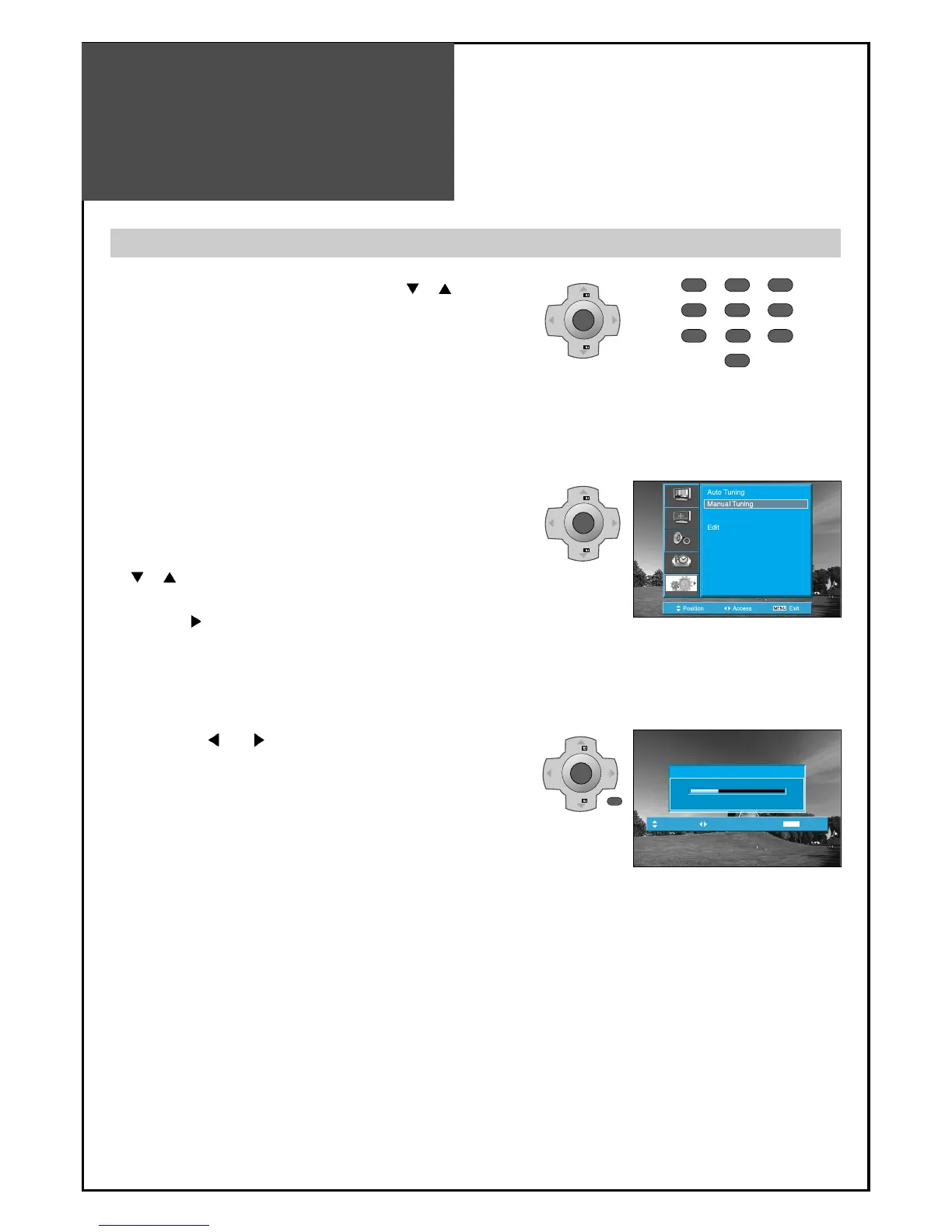
1. Press the Number buttons(0~9) or the “ PR ”
button to select a program number you want.
2. Locate the selection bar on the Manual tuning at the
Install menu.
• Press the “MENU” button to select the Install menu.
• Move the selection bar to the Install menu with
“
PR ” buttons.
• Place the selection bar on Manual Tuning and press
the “VOL
“ button.
3. Press the “
VOL ” buttons.
• A tuning screen will appear and cursor will move from
left to right / from right to left. If you want to stop
tuning press the “MENU” button.
• After searching a station, you must press the “OK”
button to store the Program.



 To Next Page