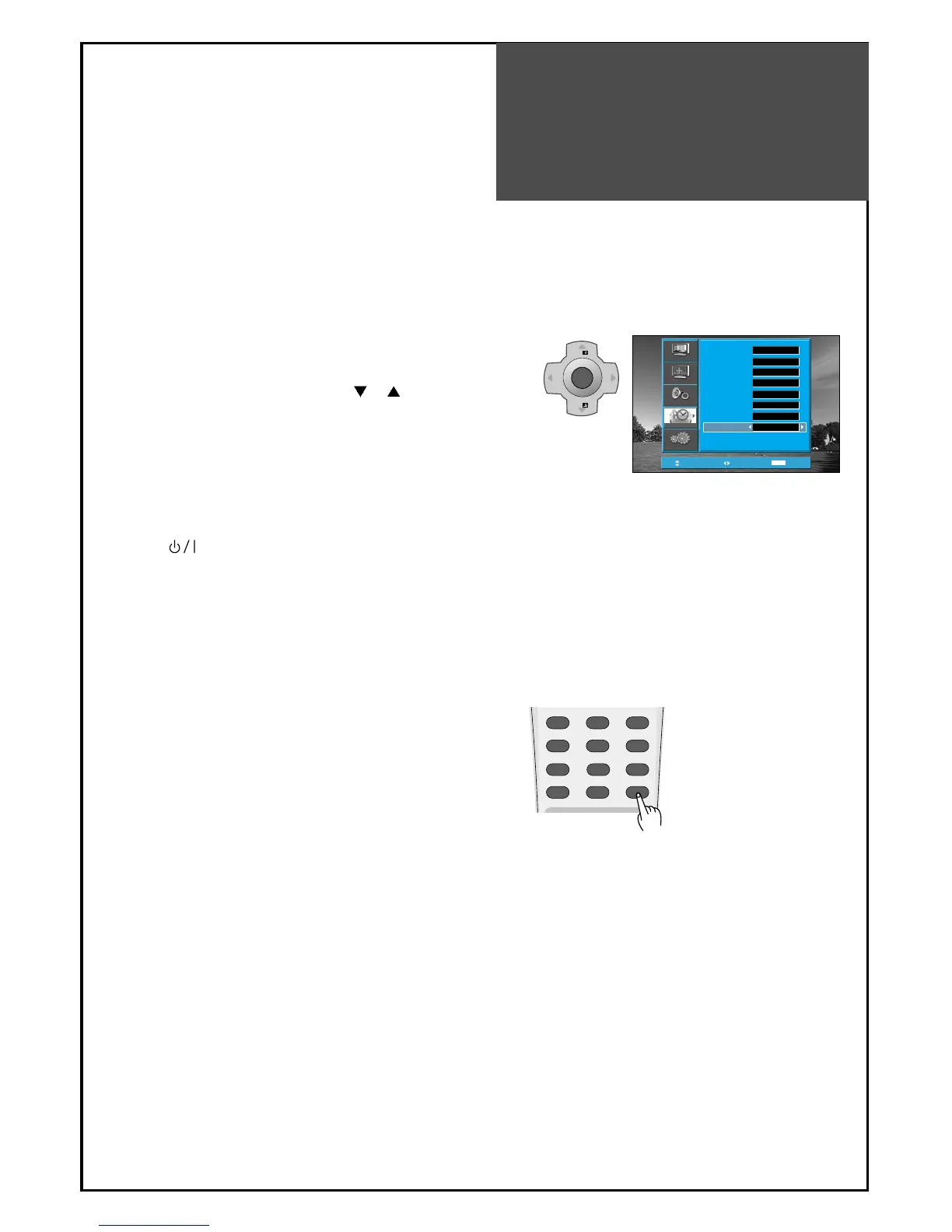
4. Set up of Off Time
• Move to Timer in the Function menu.
• To go to the Off Timer, press the "
PR " button.
• Select Off Timer to "Yes"
• Set the Off time in the same way as above for the
Clock. The set will turn off at the selected time.
5. Sleep Mode
• By pressing the “SLEEP” button on the remote
controller repeatedly,
you can select one of the following settings:
Sleep Timer: Off => 10 => 20 => 30 => 40 => 50 =>
60 => 70 => 80 => 90 => 100 => 110 => 120 =>
Off
• The set will turn off after the time you select.
Note.
• If the TV set is set up either for Wake Up time or Off
time, LED will cycle through red/green for the
ST-BY mode.
• This function is very convenient since the TV
automatically turns off at the fixed time
• On/Off time setup is erased if you turn the AC power
off.
Note.
• If an active signal is not present for about 30 minutes,
the set will automatically turn to ST-BY mode.



 To Next Page