53
Troubleshooting
Symptoms and Solutions
Please check the following list prior to calling Daewoo Electronics Service Centre for assistance.
Symptom Check items
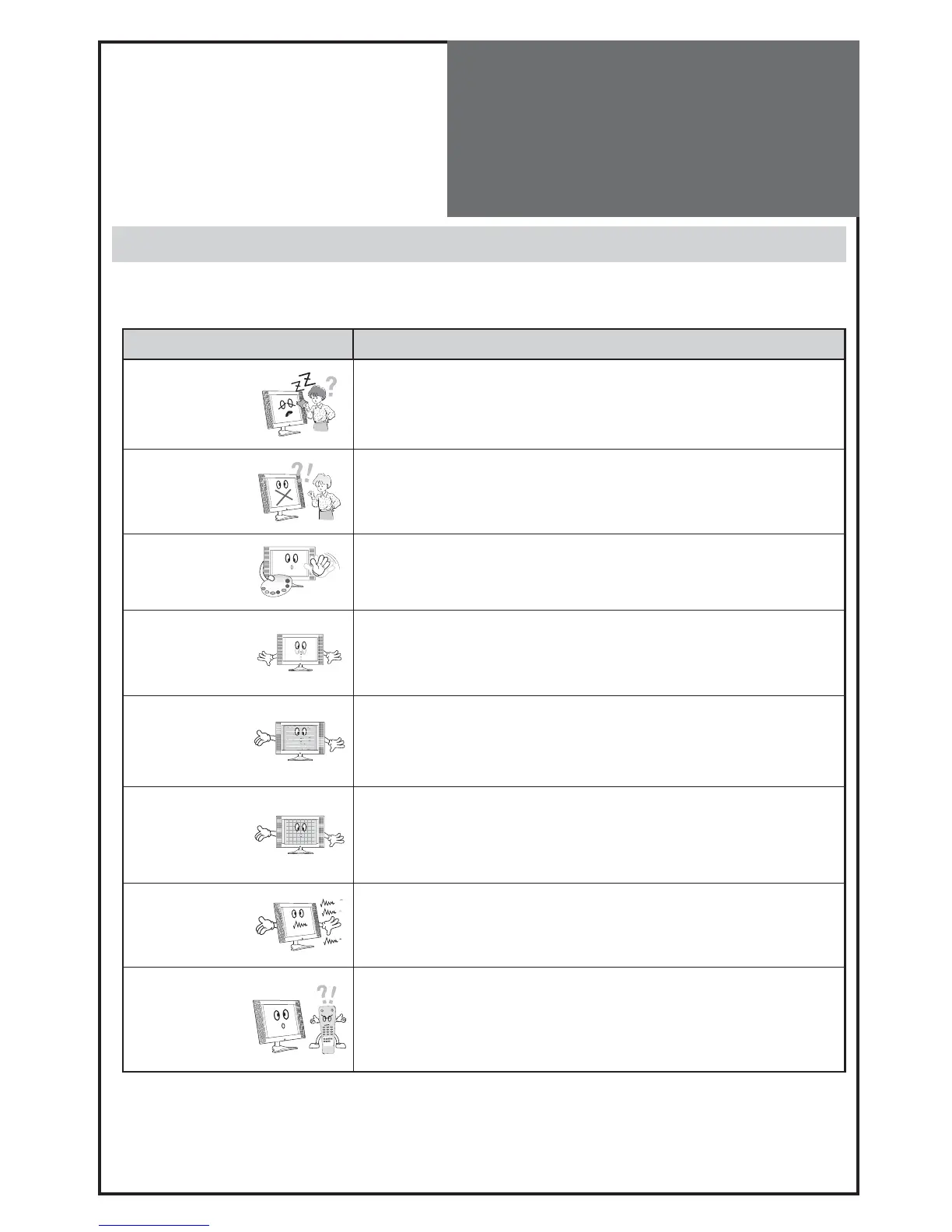
Neither picture
nor sound
- Check the contact of sockets is all right.
- Check the TV main power is on.
Picture is OK
but no sound
- Check the Volume control is not set to minimum or mute.
Sound is OK, but
no colour.
- Check the colour control and adjust it properly.
- Check the program is in colour and not in black & white.
The picture has
image.
- Check the antenna is installed correctly and if not, adjust the antenna to-
ward the broadcasting station.
Picture has “snow
noise”.
- Check the antenna or its connection is correct and if not, correct the antenna
fault or connection cable fault.
- Check if car traffic or neon sign disturbs the sound effect.
Stripes on
picture.
- Check the susceptible interference by other electronic devices such as radio
and television and keep magnetic or electronic devices away from the TV.
Bad stereo or
Dual sound.
- Long distance from the station or other radio waves can generate bad sound
reception. If so, change the mode to Mono.
Remote control
does not
work.
- Check if the batteries in the Remote control are dead.
- Check if any object between IR sensor of the TV and the Remote control
does not obstruct.



 To Next Page