• 26 •
PLAY DISCS IN VARIOUS WAYS (Continued)
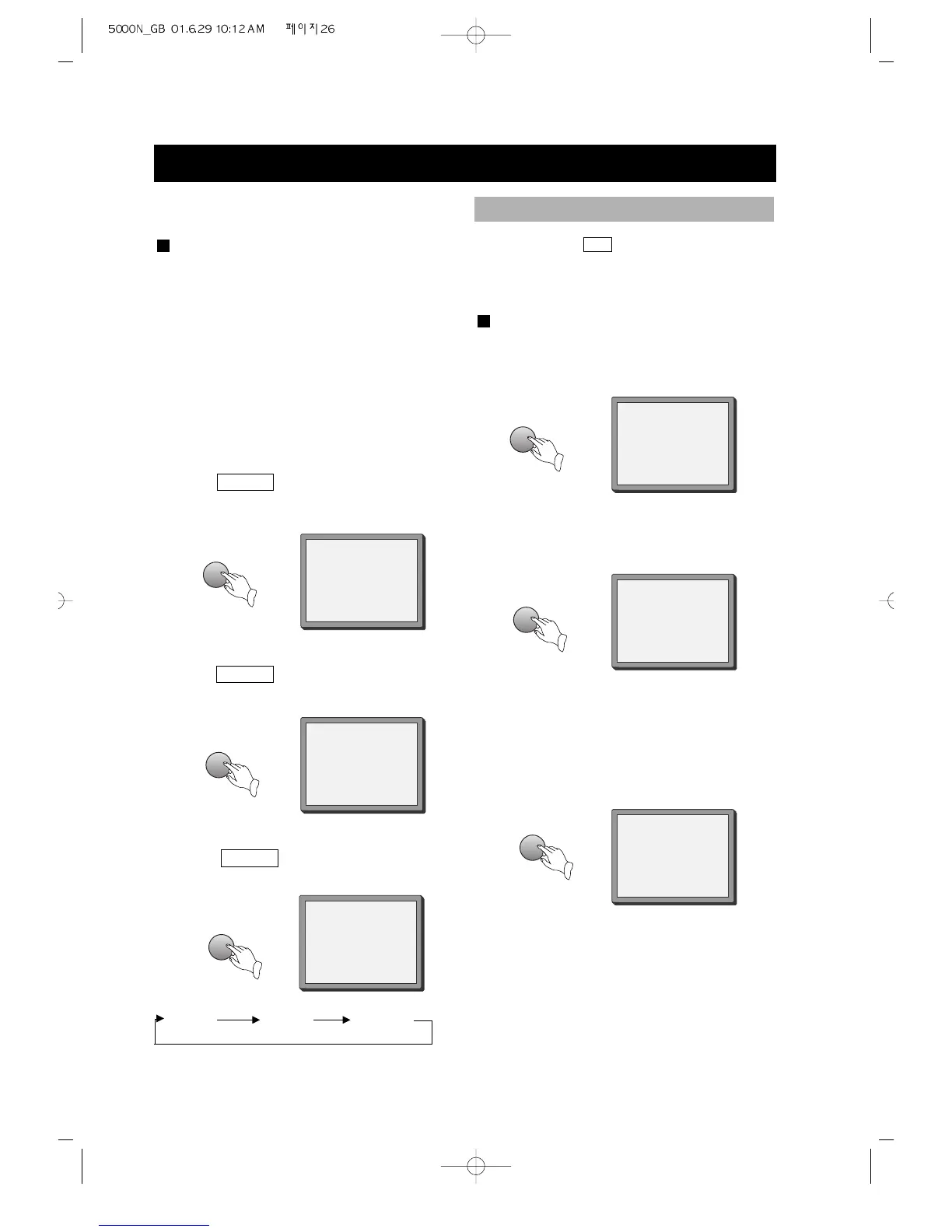
REP-ONE
REP- ALL
REP- ONE REP- ALL REPEAT OFF
2. Repeat a CD
Press
REPEAT , the screen shows:
"REP- ALL".
REPEAT OFF
3. Remove "REPEAT" function.
Press
REPEAT , to remove the display
on the screen.
Super-VCD, VCD, CD, MP3
• You may repeat a track, a disc
according to the following steps
• VCD 1.1 and CD can play repeatedly
directly.
• Super VCD and VCD 2.0 can play
repeatedly in PBC OFF mode.
• After the unit stops, press number
buttons directly to select tracks.
1. Repeat one track
Press REPEAT , the screen shows:
"REP- ONE".
You may press A-B to enjoy some parts
repeatedly when playing a disc.
PLAY DVD, SUPER-VCD, VCD, CD
1. Set a starting point A.
The screen shows:
2. Set an end point B.
The screen shows:
3. Remove A-B repeat
The screen shows:
Afterwards, the unit plays from A to B.
A TO B SET A
A TO B SET B
REPEAT SOME PARTS (EXCEPT MP3)
REPEAT
REPEAT
REPEAT
A-B
A-B
A-B
A TO B CANCELLED



 To Next Page