• 32 •
PLAY DISCS IN VARIOUS WAYS (Continued)
WHEN PLAYING SUPER-VCD, VCD, CD
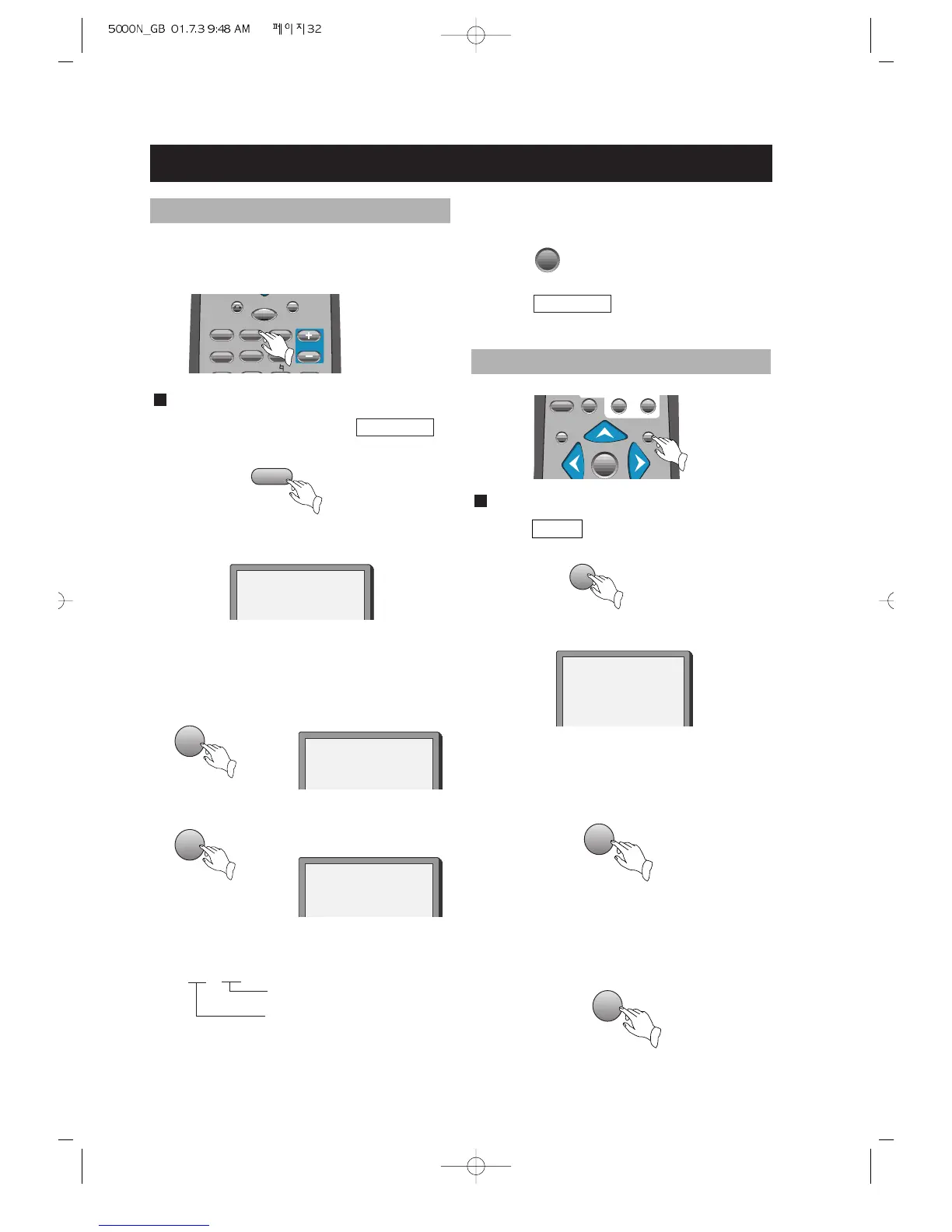
1. After the unit stops, press PROGRAM to
select.
The screen shows:
PROGRAM
PROGRAM P00:00
2. Press number buttons in order, according
to the track to be programmed.
Example: Press 2, 4, 6, 8.
screen
Notes:
track number
program order
P
* *
* *
PROGRAM P01:02
PROGRAM P04:08
.
.
.
You may program the tracks on a disc
and play them in the programmed order.
PROGRAM PLAY (VCD, AUDIO CD only)
.
.
.
2
8
3. Press to start playing.
4. Press PROGRAM twice to remove
program play.
WHEN PLAYING SUPER-VCD, VCD
1. Press INTRO after the unit stops.
The screen shows:
2. Press number buttons to select a digest
mode.
Press button 1 for intro mode.
The unit plays each scene for about 10
seconds.
3. Press button 2 for disc digest.



 To Next Page