• 27 •
PLAY DISCS IN VARIOUS WAYS (Continued)
When playing a multi-subtitle DVD or
super-VCD, you may select one subtitle
to show it on the screen.
SELECT SUBTITLES
WHEN PLAYING DVD
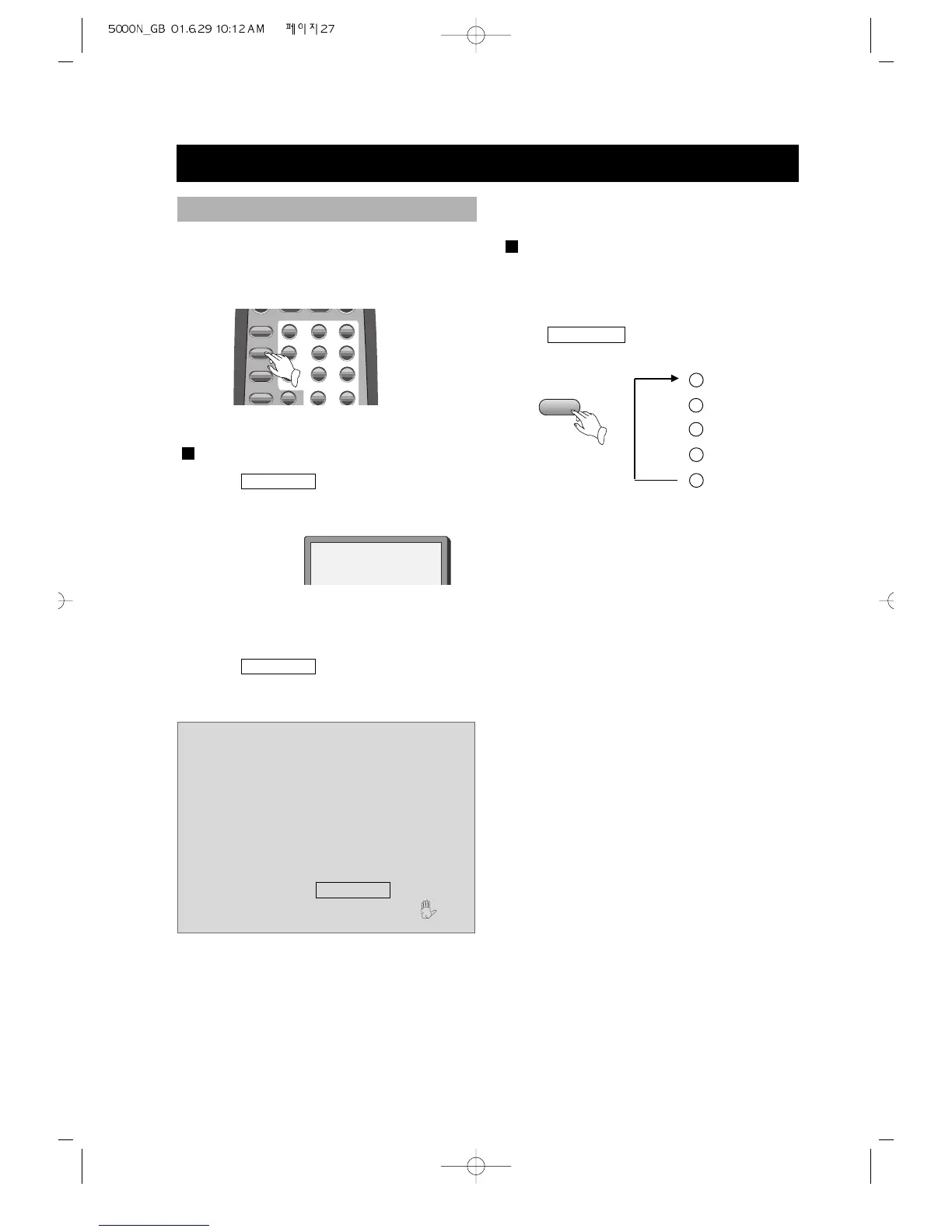
1. Press SUBTITLE to select one.
The screen shows:
2. Remove the subtitle.
Press
SUBTITLE until the screen
shows "SUBTITLE OFF".
SUBTITLE
SUBTITLE 01/03:ENGLISH
Notes:
• For some discs, subtitles can not be
removed.
• Different discs differ in the
languages of subtitles.
• If the subtitles of discs can not be
selected, press
SUBTITLE , the
screen shows forbidden mark .
SUPER-VCD
A super-VCD has only four channels for
recording, so it has four subtitles at the
most.
Press SUBTITLE , the screen shows
orderly:
You may select a subtitle as you need.
Some discs may not have "SUBTITLE OFF"
function.
SUBTITLE 01/04
SUBTITLE 02/04
SUBTITLE 03/04
SUBTITLE 04/04
SUBTITLE OFF
1
2
3
4
5



 To Next Page