2. Time search
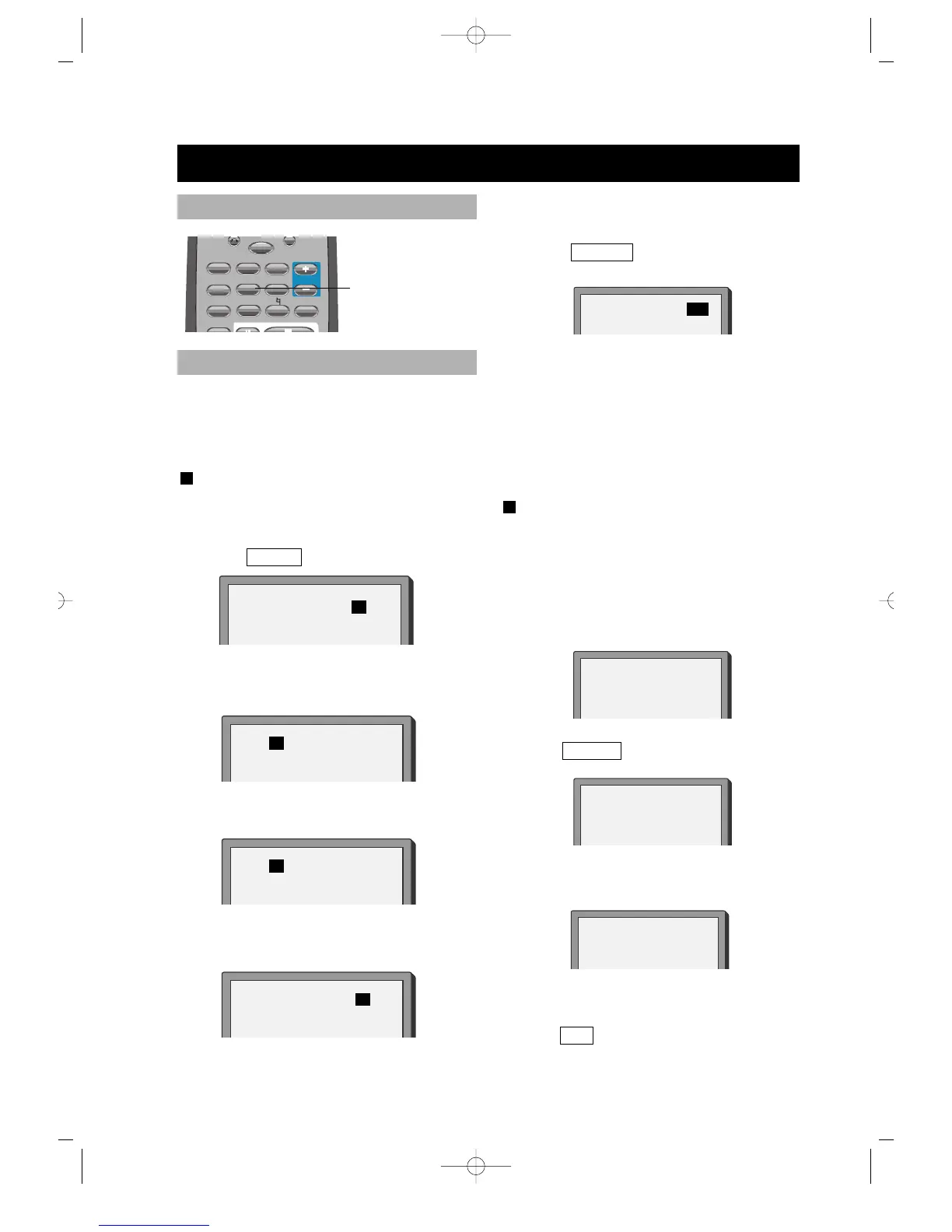
• Press A-TIME until the screen
shows:
• Press number buttons to enter hour,
minute and second.
Example: Enter 0, 1, 0, 2, 3, 8
After setting, the disc is played from
01:02:38.
PLAY SUPER-VCD, VCD, CD, MP3
You can only enter a time to search the
content from that time.
Example: Play from 01:38 of track 6.
1. Press button 6 to select track 6. The
screen shows:
2. Press
A-TIME , the screen shows:
3. Press button 0, 1, 3, 8 to enter the time.
The screen shows:
• The unit plays from 01:38 of track 6
after setting.
• Press 0/10 to enter 0.
You may directly enter a time, title or
chapter number to search fast on a disc,
the unit plays from the point entered.
PLAY DVD
1. Search a title or a chapter.
Example: Search chapter 2 in title 2.
• Press A-TIME , the screen shows:
• Press the left or right button and
move the cursor to illuminate the title
number. The screen shows:
• Press button 2 to select title 2, the
screen shows:
• Repeat the steps above, select
chapter 2 in title 2.
SELECT: 06
GO TO
_ _
:
_ _
GO TO 01:38
TIME SEARCH AND REMAINING TIME
TIME SEARCH
TITLE 03/03 CHAPTER 01 /04
TITLE 02/03 CHAPTER 01 /04
TITLE 02/03 CHAPTER 02 /04
TITLE 03/03 CHAPTER 01 /04
TITLE 02/03 TIME : :



 To Next Page