• 30 •
PLAY DISCS IN VARIOUS WAYS (Continued)
This function can be used to know the
remaining time of a title, chapter or track.
DVD
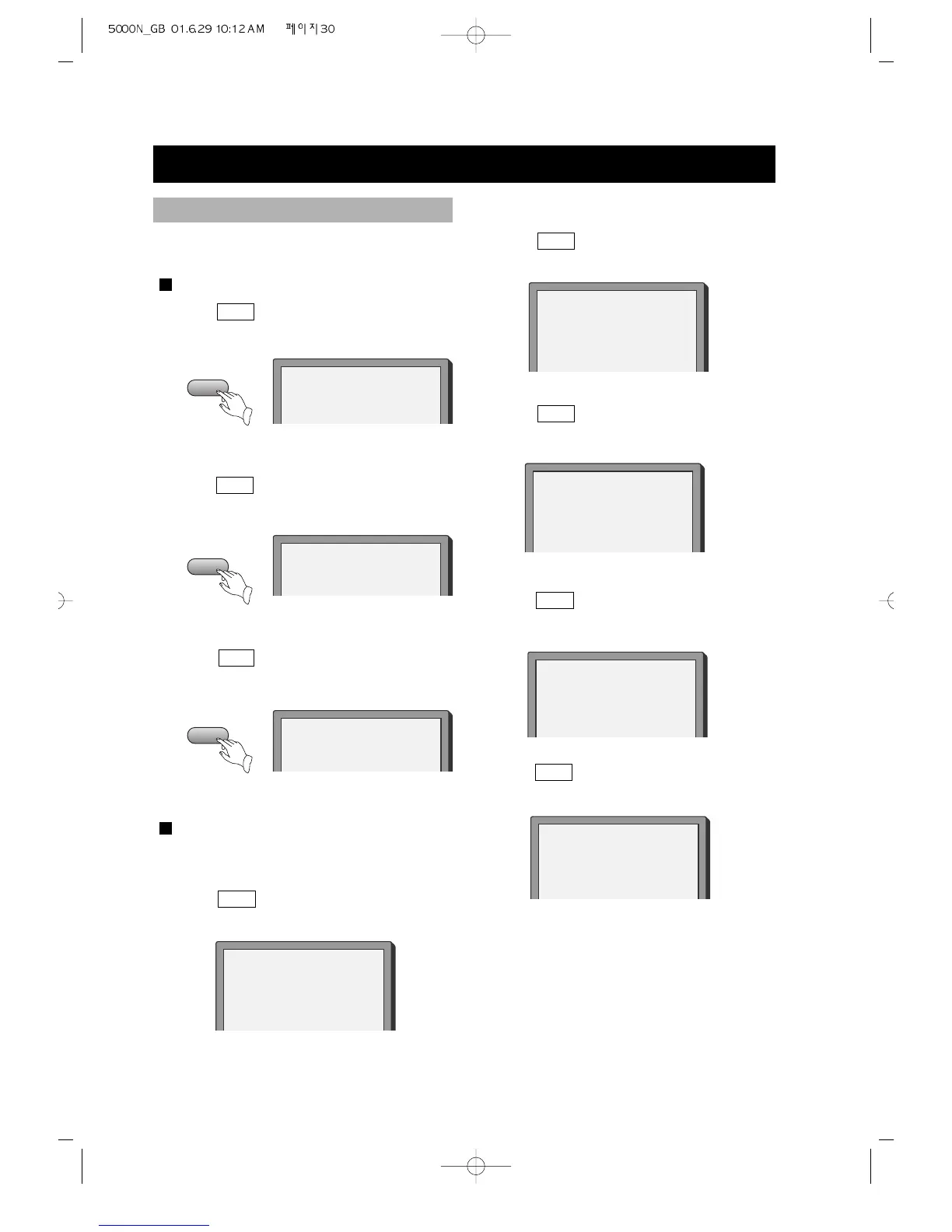
1. Press OSD , the screen shows the
remaining time of the title.
2. Press
OSD , the screen shows the
playing time of the chapter.
3. Press OSD , the screen shows the
remaining time of the chapter.
SUPER-VCD, VCD, CD, MP3
Example: Check the remaining time
when playing track 2.
1. Press OSD , the screen shows the
playing time of the track.
4. Press OSD again, the screen shows the
remaining time of the disc.
5. Press
OSD once more, the screen
shows:
OSD
OSD
OSD
CHAPTER REMAIN
00:01:19
TITLE REMAIN
00:56:45
CHAPTER ELAPSED
00:02:41
SINGLE ELAPSED
00:04:23
TOTAL REMAIN
00:33:23
OFF
REMAINING TIME
2. Press OSD , the screen shows the
remaining time of the track.
3. Press OSD , the screen shows the
playing time of the track.
SINGLE REMAIN
00:01:25
TOTAL ELAPSED
00:04:25



 To Next Page