• 33 •
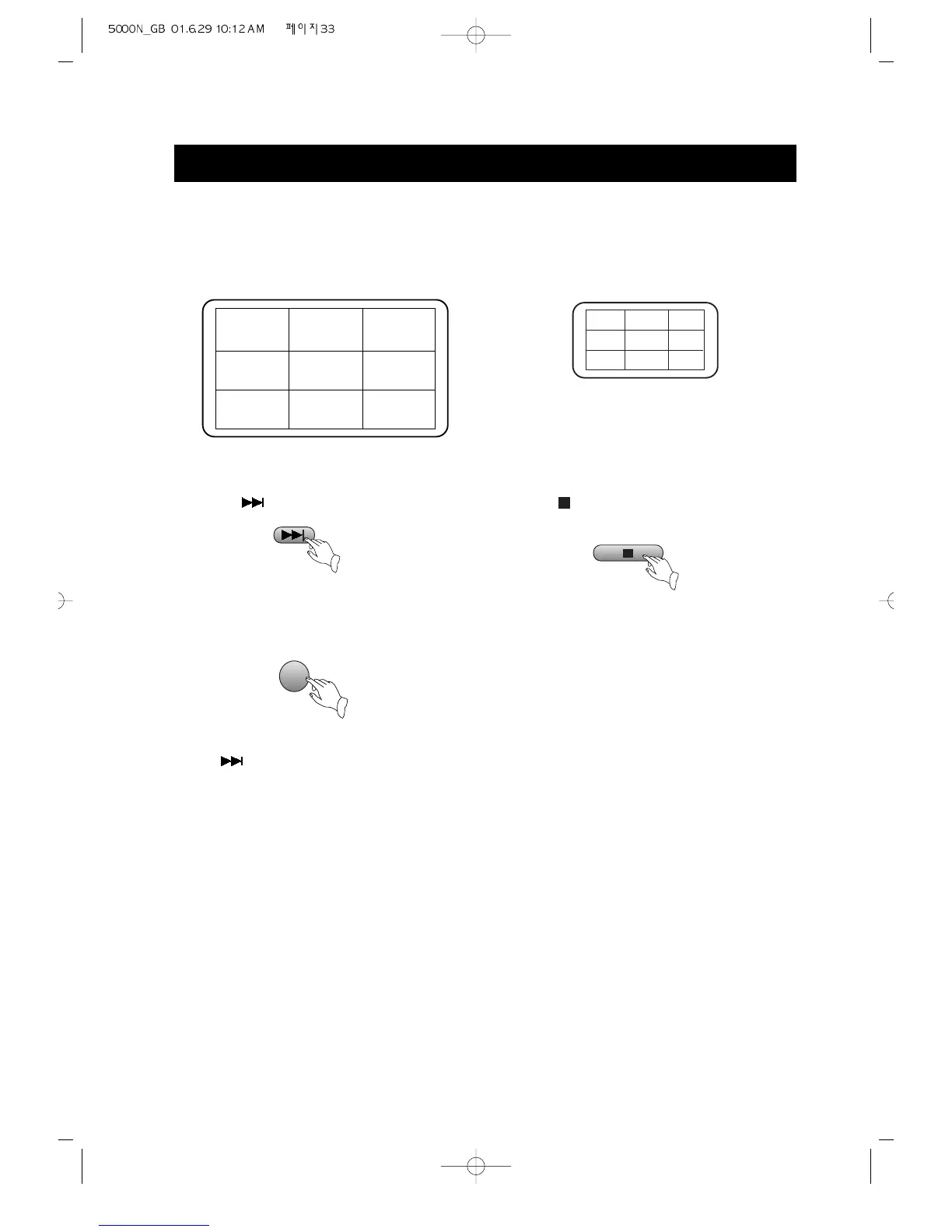
If the scene number is more than 9,
press to look at the next picture.
4. Press number buttons to select a track.
Press button 3 for scene digest.
Press to select a track.
PLAY DISCS IN VARIOUS WAYS (Continued)
SCENE01 SCENE02 SCENE03
SCENE08 SCENE09 SCENE04
SCENE07 SCENE06 SCENE05
3
The unit shows the starting picture of all
the scene on the screen simultaneously.
The unit divides scene 3 into nine parts
ans shows the starting picture of each part
on the screen.
5. Press button 4 to exit from digest play.
6. Remove digest play.
Press , digest play is removed and the
unit stops.
1
2
3
8
9
4
7
6
5



 To Next Page