11
Changing the program
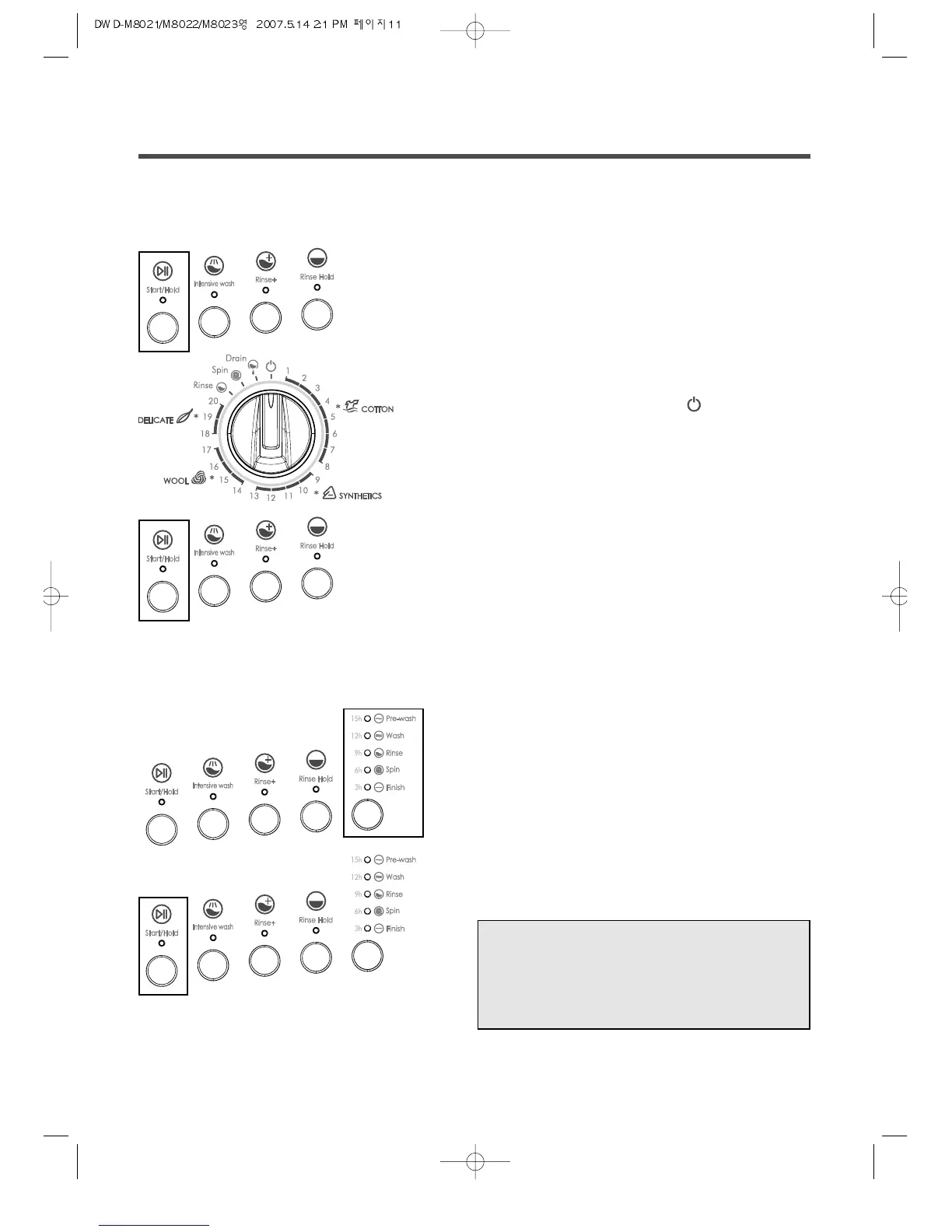
If you have accidentally selected the wrong program, follows next procedure.
Using Time delay
Firstly, you select the desired program and option(s).
• Press the Start/Hold button.
The selected program stops and the indicator light of
Start/Hold button is not twinkle but on.
• Turn the program selector to OFF and reselect
the desired program by using the program selector.
• If required, select the option(s).
And press the Start/Hold button. The newly selected
program starts
• Pressing the “Time delay” button,
select the delayed time.
• Press the “Start/Hold” button.
The indicator light of “Start/Hold” is off and the
indicator light corresponding to the selected time is on.
❋ Canceling Time delay
• Press the “Start/Hold” button.
(Then the indicator light of “Start/Hold” is on.)
• Turn the program selector to OFF.
When the washing is complete, the indicator light of Start/Hold button is not twinkle but on.
• Turn the program selector to OFF .
After washing



 To Next Page