32
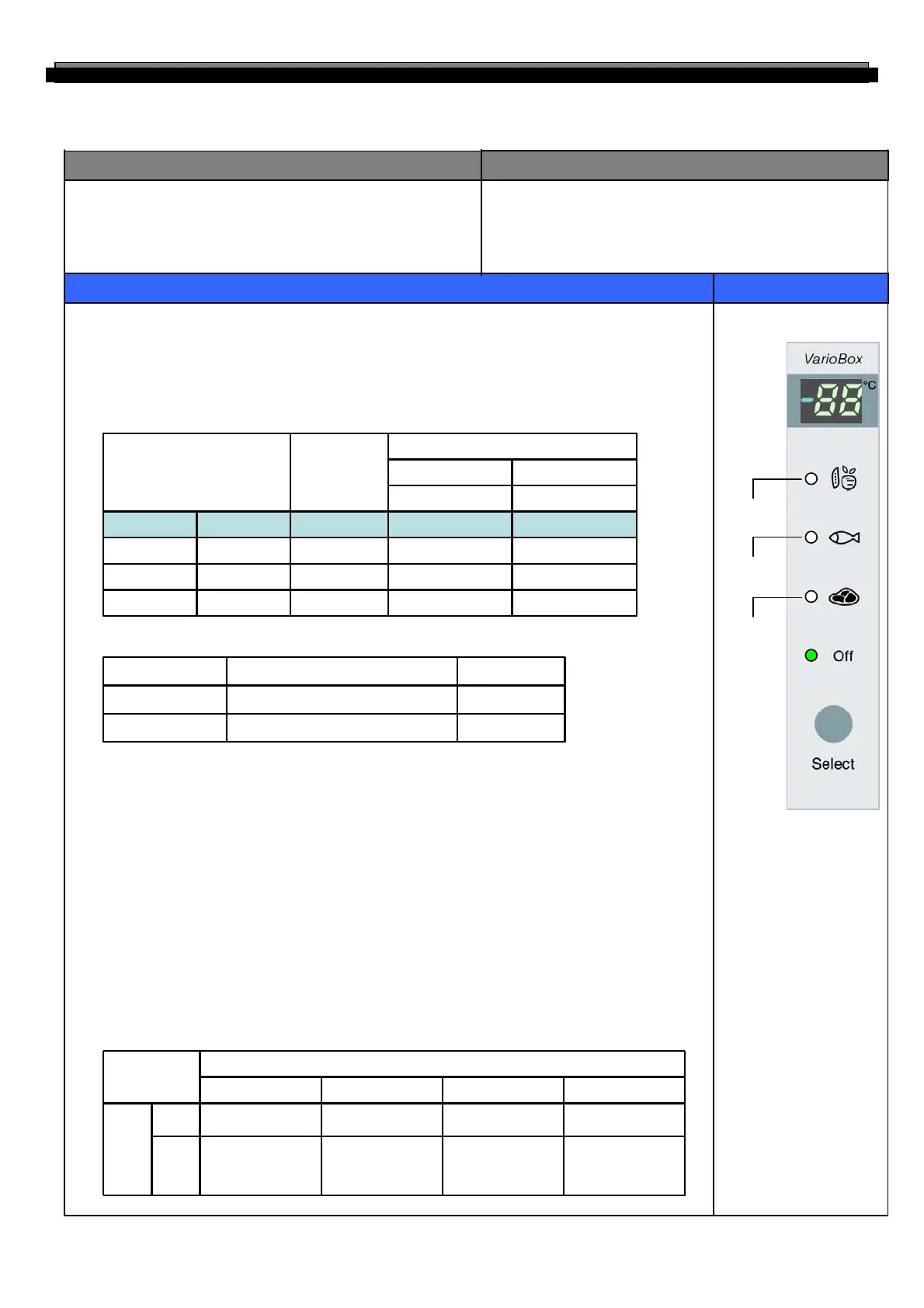
1. “Select” button
1) Temperature control of “Magic Cool Zone” compartment
2) 4 step mode of successive temperature mode.
Initial mode by power input : “OFF”
(“Off” → “Vegetable” → “Fish”→ “Meat”→ “Off”)
Letters are indicated on “88” display LED
INPUT
CONTROL OBJECT
CONTENTS
REMARKS
1. R-Fan
2. “Magic Cool Zone” sensor
3. “SELECT” button
1. “Magic Cool Zone” damper
2. Damper heater
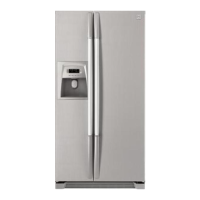
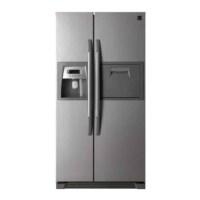
4-15. Temperature control of “Magic Cool Zone” compartment (
FRS(N)-U20EA/GA)
2. Normal Stepping motor Control (It is linked with Refrigerator Fan (R-Fan))
3. Damper heater control
1) Damper open → Damper heater OFF
2) Damper close → Damper heater ON
4. How to check error mode (Temp. display and forced damper Open/Close)
1) How to start
Push “Select” button for 2 seconds.
① Initial display : “sensor temp.” display. (if sensor is normal)
“Er” display. (if sensor is disconnected or short)
② Press “Select” button 1 time : “OP” display. (forced damper open )
③ Press “Select” button 2 time : “CL” display. (forced damper close )
2) How to stop
It stops automatically in 20 sec. from the start.
5. Control way for “Magic Cool Zone” sensor error.
1) If “Magic Cool Zone” sensor is disconnected or short.
2) Damper open and close by below table. Control (Condition of “Select” button)
-
-
-
Off
Power input
3’rd Press
2’nd Press
1’st Press
01-3Meat
23-1Fish
893Vegetable
Temp (℃)Temp (℃)
CloseOpen
Damper Open/Close point
DisplayMode
Each mode ON/OFF ControlOFF
Always closeON
Remark“Magic Cool Zone” damperR-Fan
R-Fan
“Select”
Close
Close
“Off”
Open
After 2min open
from R-Fan off,
and then close
CloseOFF
CloseCloseCloseON
“Meat”“Fish”“Vegetable”
Condition
“Vegetable”
“Fish”
“Meat”



 To Next Page