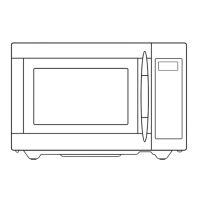
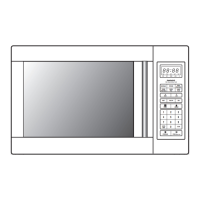
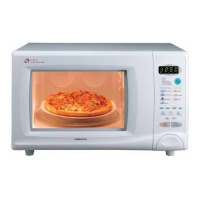
CONTROLS
When the oven is first plugged in, the display will flash “:0”. If the AC power ever goes off, the display shows “:0” when
the power comes back on.
»S
etting the clock
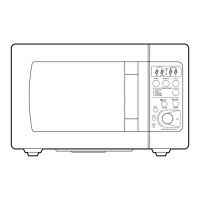
1. Touch the CLOCK pad.
This is a 12 hour clock system.
2. Touch the CLOCK pad once more.
This is a 24 hour clock system.
3. Enter the correct time of day by touching
the TIME SET pads in sequence.
4. Touch the CLOCK pad.
The display stops blinking, and the colon starts
blinking. If you selected 12 hour clock system, this
digital clock allows you to set from 1:00 to 12:59.
If you selected 24 hour clock system, this digital
clock allows you to set from 0:00 to 23:59
If you attempt to enter an incorrect time, the time will not be set and it will return to previous status. Touch the CLOCK
pad and re-enter the time.
NOTE
DESUK_KOR-6L7B3S(영).indd 8 2014-11-17 오후 3:27:31


 To Next Page