User’s Manual
88
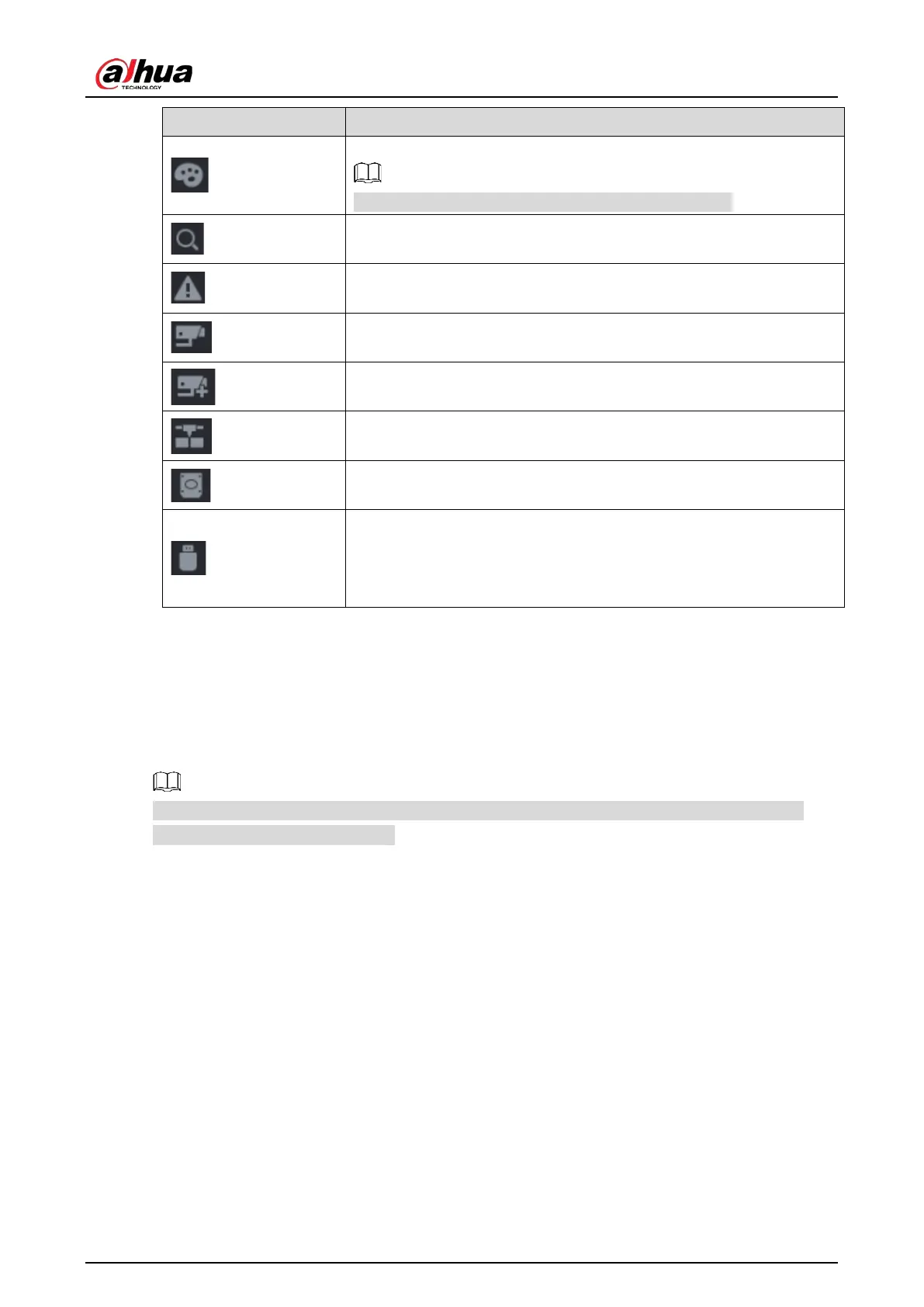
Open the
interface.
This function is supported only in single-channel layout.
Open the record search interface. For detail, see "5.9 Playing Back
Video."
Open the
interface to view the device alarm status. For
details, see "5.21.3 Viewing Alarm Status Information."
Open the
interface to display the information of each
channel.
Open the
interface. For details, see "5.6.1 Adding Remote
Devices."
Open the
interface. For details, see "5.15.1 Configuring
Network Settings."
Open the
interface. For details, see "5.18.3 Configuring
Disk Manager."
Open the
interface. For details about USB
operations, see "5.14.2 Backing up Files", "5.21.2 Viewing Log
Information", "5.20.4 Exporting and Importing System Settings", "5.20.6
Updating the Device."
5.2.4 Shortcut Menu
You can quickly access some function interfaces such as main menu, record search, PTZ setting, color
setting and select the view split mode.
Right-click on the live view screen, the shortcut menu is displayed.
After you access any interface through shortcut menu, you can return to the previous screen by
right-clicking on the current screen.


 To Next Page
 Loading...