User’s Manual
295
Send Email
Select the check box. When an alarm occurs, the NVR device sends an email
to the set mailbox to notify the user.
To use this function, make sure the email function is enabled in
Main
Menu > NETWORK > Email
.
Configuring System Settings
5.20.1 Configuring General System Settings
You can configure the device basic settings, time settings, and holiday settings.
For details about basic and time settings, see "5.1.4.2 Configuring General Settings" and "5.1.4.3
Configuring Date and Time Settings."
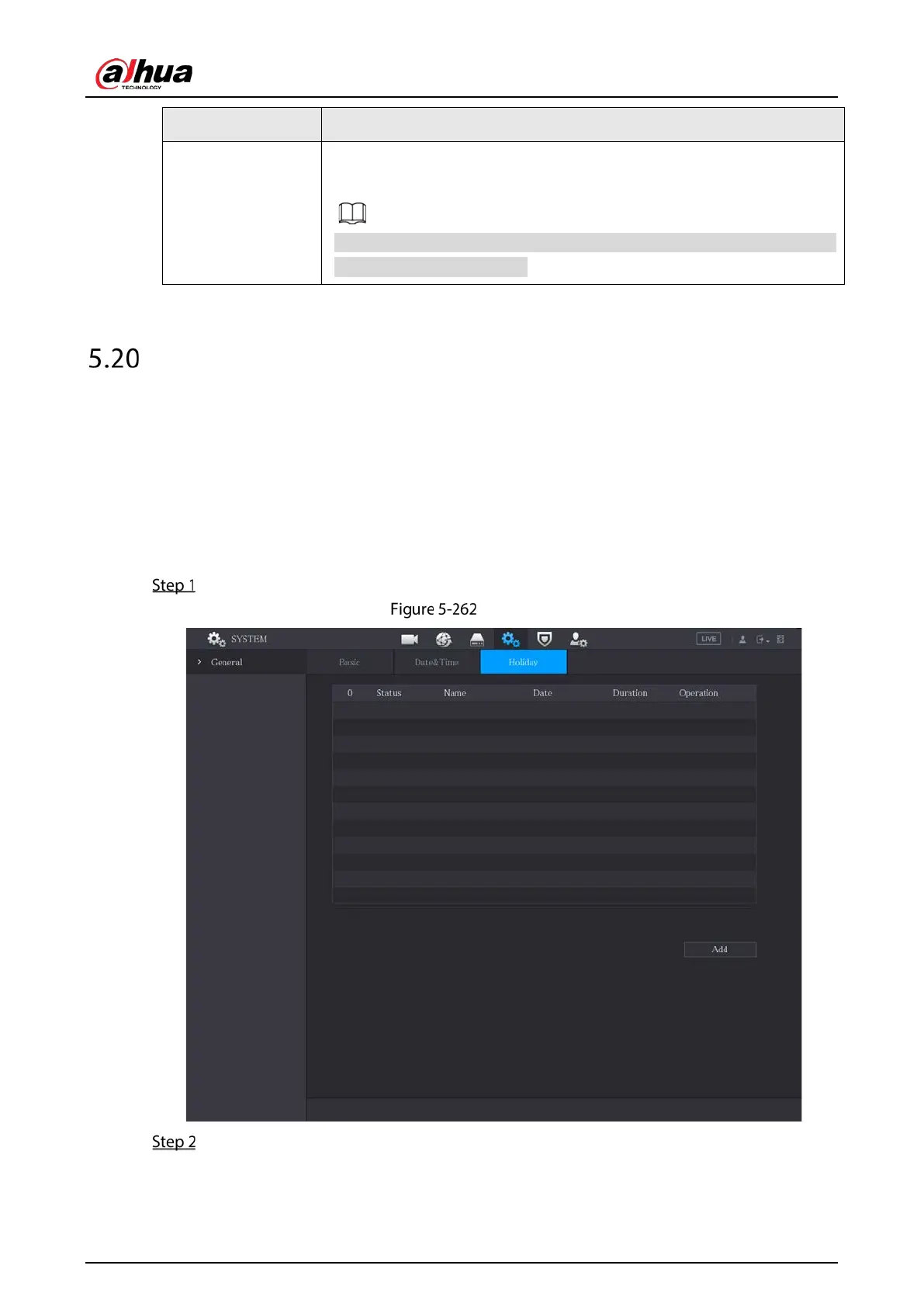
To configure the holiday settings, do the following:
Select Main Menu > SYSTEM > General > Holiday.
Holiday
Click Add.



 To Next Page
 Loading...