User’s Manual
110
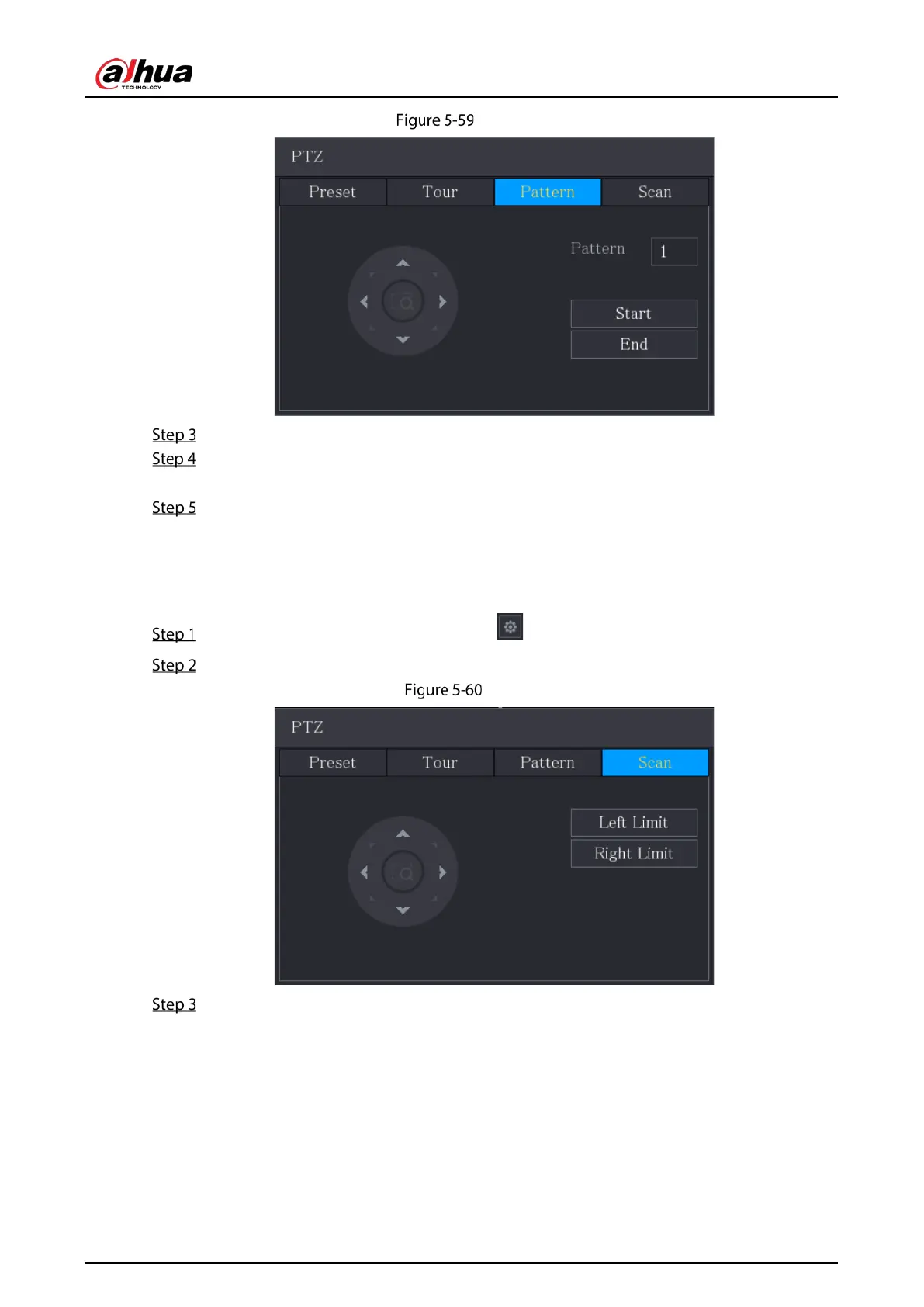
Pattern
In the Pattern box, enter the value for pattern.
Click Start to perform the directions operations. You can also go to the PTZ Control Panel to
perform the operations of adjusting zoom, focus, iris, and directions.
On the PTZ interface, click End to complete the settings.
5.4.3.4 Configuring Scan
On the expanded PTZ control panel, click .
Click the Scan tab.
Scan
Click the direction arrows to position the left and right limits.
5.4.4 Calling PTZ Functions
After you have configured the PTZ settings, you can call the PTZ functions for monitoring from the
expanded PTZ control panel.


 To Next Page
 Loading...