User’s Manual
176
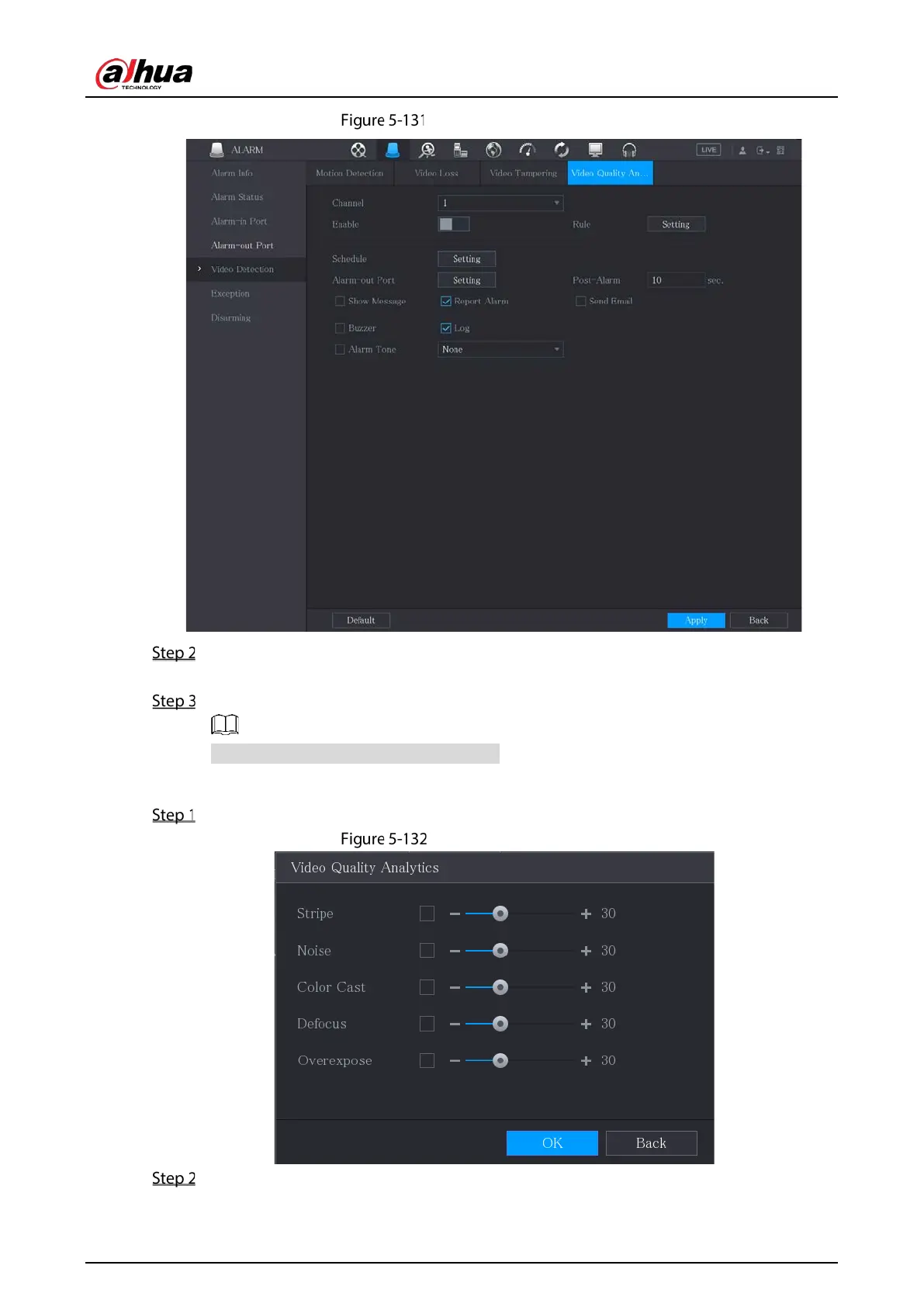
Video quality analytics
To configure the settings for the diagnosis parameters, see "5.10.4.1 Configuring Motion
Detection Settings."
Click Apply to complete the settings.
Click Default to restore the default setting.
Setting the Types for Diagnosing Targets
Next to Rule, click Setting.
Video quality analytics
Select the items that you want to diagnose and set the threshold (30 by default).


 To Next Page
 Loading...