User’s Manual
72
Device manager
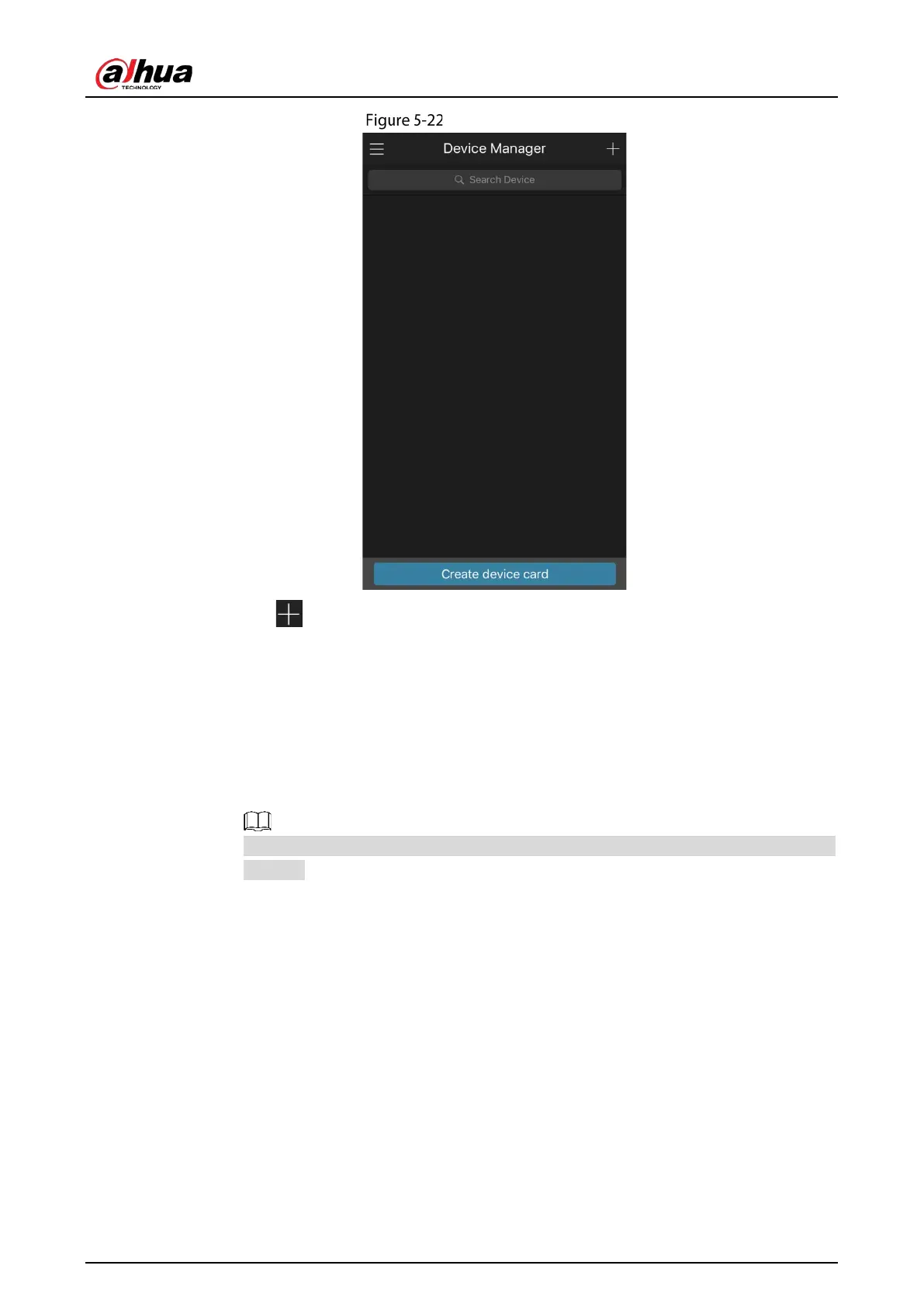
2) Tap on the top right corner.
The interface requiring device initialization is displayed. A pop-up message reminding
you to make sure the Device is initialized is displayed.
3) Tap
OK.
If the Device has not been initialized, Tap
Device Initialization to perform initializing
by following the onscreen instructions.
If the Device has been initialized, you can start adding it directly.
4) Tap
Add Device.
You can add wireless device or wired device. The Manual takes adding wired device as an
example.


 To Next Page
 Loading...