User's Manual
120
Click Apply to save the settings.
If you have configured the snapshot schedule, the configuration has been completed.
If you have not configured the snapshot schedule, see "5.1.4.10 Configuring Snapshot
Storage Schedule."
5.8.1.2 Configuring Event Triggered Snapshot
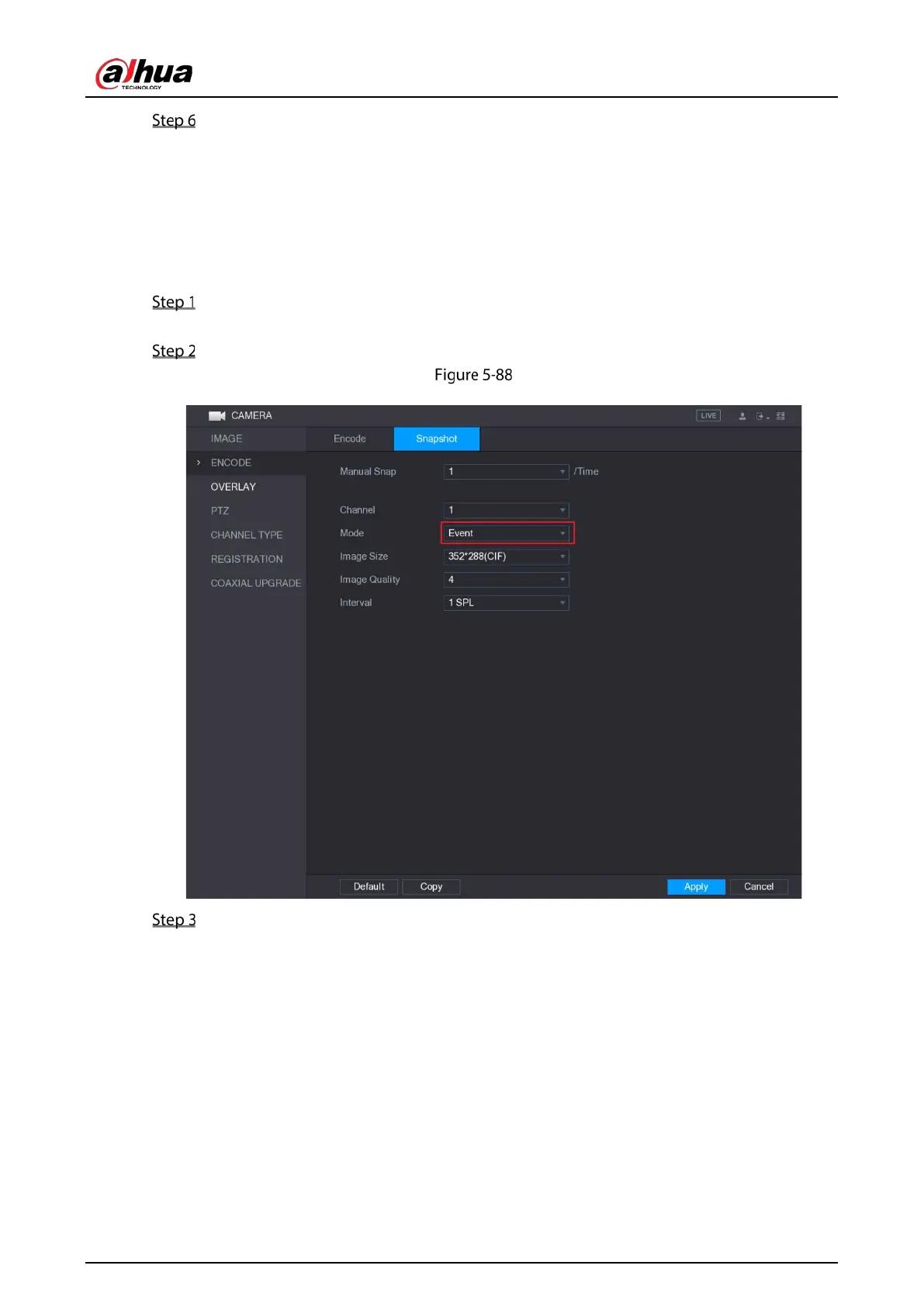
Select Main Menu > CAMERA > ENCODE > Snapshot.
The Snapshot interface is displayed.
In the Mode list, select Event, and then configure other parameters.
Event
Select Main Menu > ALARM > VIDEO DETECT, and select the event type to configure, for
example, select the Motion Detect tab.


 To Next Page
 Loading...

