User's Manual
40
5.1.3 Resetting Password
You can reset the password through the QR code or the security questions.
To reset through the QR code, make sure the Enable check box is selected in Main Menu >
SYSTEM > SECURITY > Password Reset.
To reset through the security questions, make sure the security quesitons is configured.
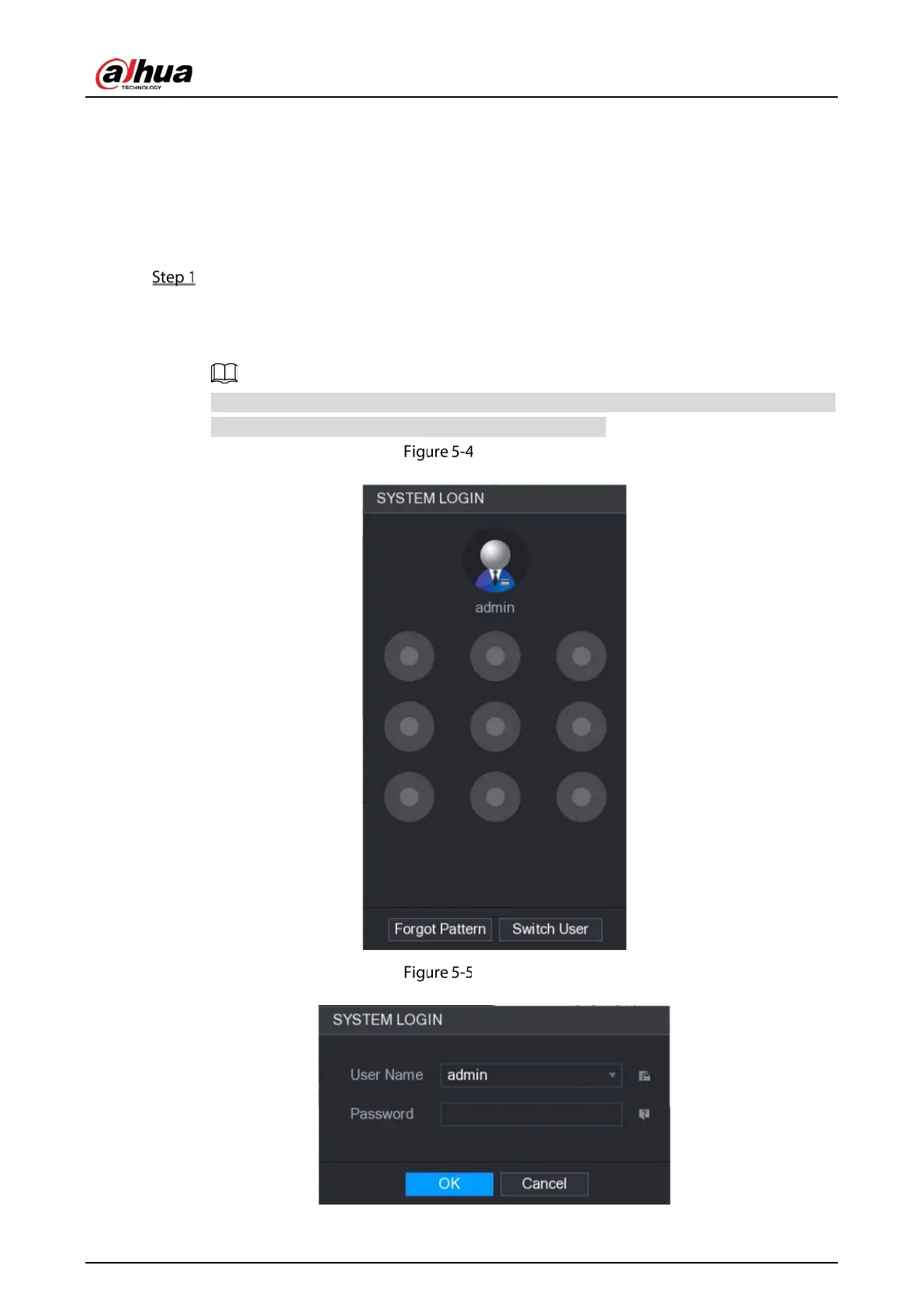
Enter the login interface.
If you have configured unlock pattern, the unlock pattern login interface is displayed.
Click
Forgot Pattern, the password login interface is displayed.
If you did not configure unlock pattern, the password login interface is displayed.
On the unlock pattern login interface, click Switch User to login; or on the password login
interface, in the User Name list, select other users to login.
System login (1)
System login (2)


 To Next Page
 Loading...

