User's Manual
200
For details, see "5.13.2 Backing up Files", "5.19.2 Viewing Log Information", "5.18.5 Exporting and
Importing System Settings", and "5.18.7 Upgrading the Device."
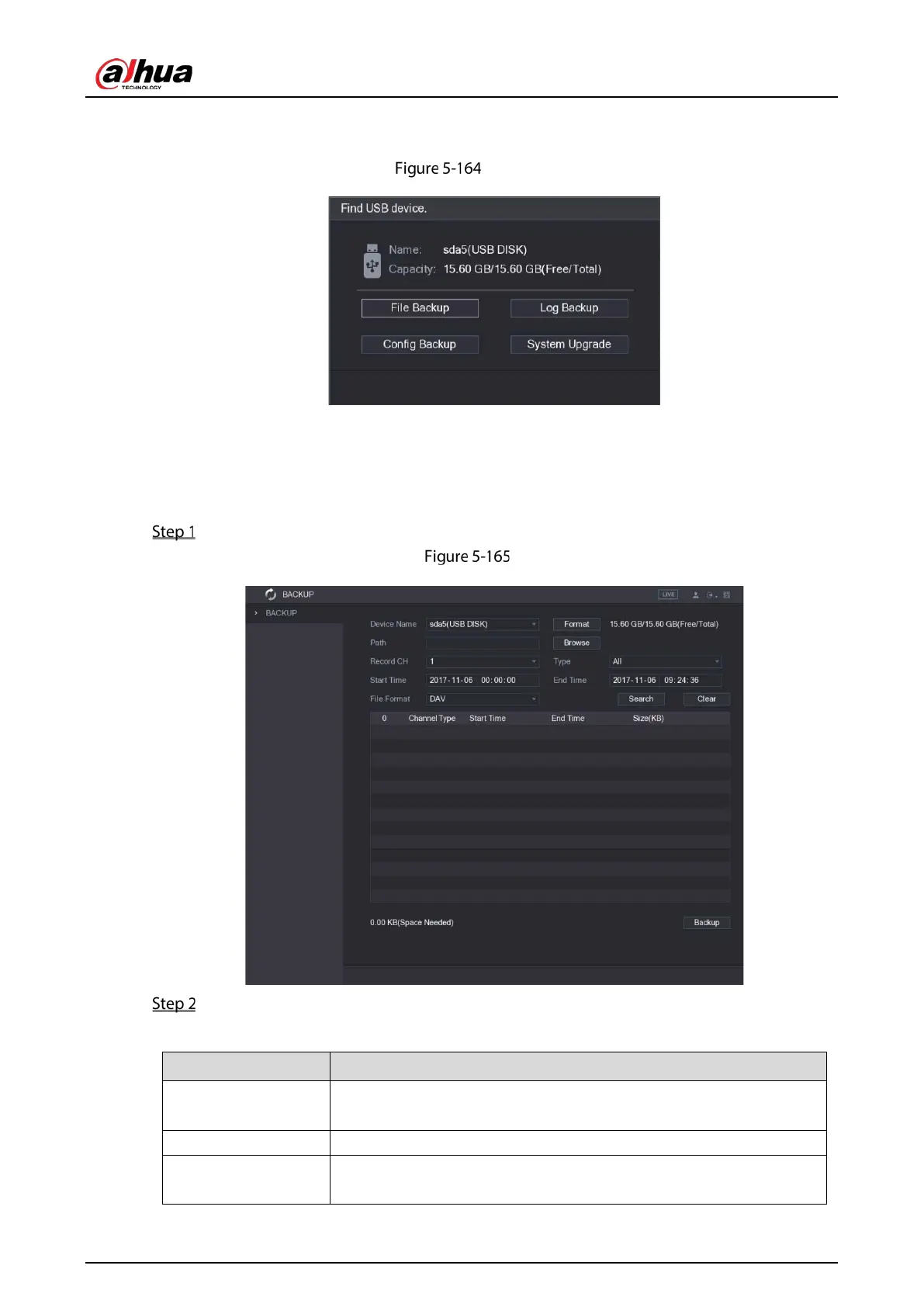
Find USB device
5.13.2 Backing up Files
You can back up the recorded videos and snapshots.
Select Main Menu > BACKUP.
Backup
Configure the settings for the backup parameters.
Table 5-58 Backup parameters
Device Name
In the
list, select the device that you want to back up the
files to.
Format Click
to format the selected device.
Path
Click
, the
interface is displayed. Select the route where
you want to search for the files.


 To Next Page
 Loading...

