User's Manual
235
Schedule
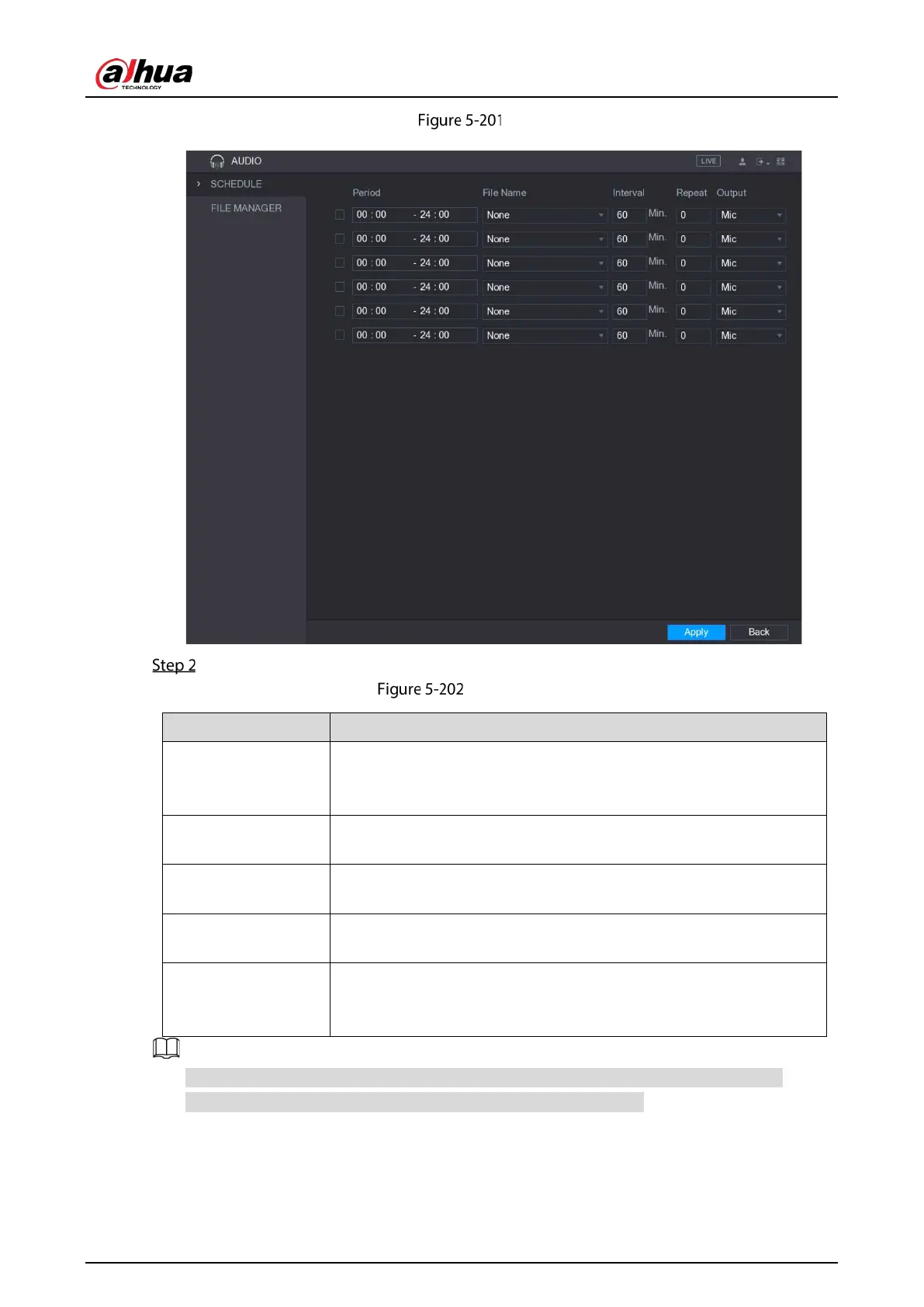
Configure the settings for the schedule parameters.
Schedule parameters
Period
In the
box, enter the time. Select the check box to enable the
settings.
You can configure up to six periods.
File Name
In the
list, select the audio file that you want to play for this
configured period.
Interval
In the
box, enter the time in minutes for how often you want
to repeat the playing.
Repeat
Configure how many times you want to repeat the playing in the
defined period.
Output
Includes two options: MIC and Audio. It is MIC by default. The MIC
function shares the same port with talkback function and the latter has
the priority.
The finish time for audio playing is decided by audio file size and the configured interval.
Playing priority: Alarm event > Talkback > Trial listening > Audio file.


 To Next Page
 Loading...

