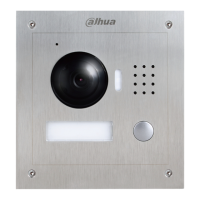
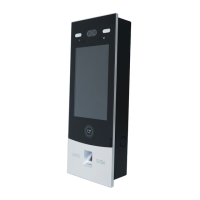
Appearance 5
Inputs 12V DC power to the VTO.
See "2.4.2 RS-485/RS-482 Port."
Connects to the network with Ethernet cable.
See "2.4.1 Access Control Input and Output Port."
See "2.4.3 Analog Signal Port."
The VTO would make alarm sound if it is being
removed from the wall by force, and the alarm will
also be sent to the management center.
VTO1220BW/VTO1210B-X 2.2
2.2.1 Front Panel
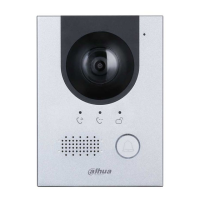
VTO1220BW/VTO1210B-X Figure 2-3
Table 2-3 Front panel description
Provides extra light for the camera.
The sensor is triggered when people or object approaching.



 To Next Page
 Loading...