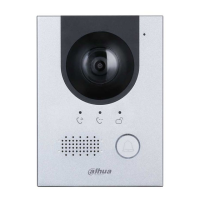
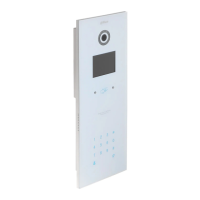
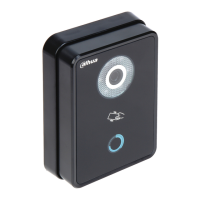
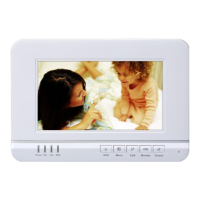
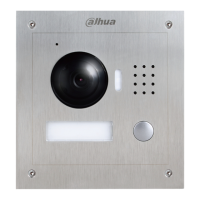
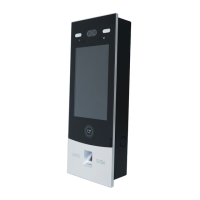
Appearance 6
: Press to deletes the previous character or end the current call.
Numeric keys: enter numbers from 0 to 9.
: Press to unlock with password.
Press , then enter the unlock password, and then press
again to complete.
: Press to make phone call.
After entering room number, press this key to make a call.
: Press to call the management center directly.
Recognizes access card and unlock.
2.2.2 Rear Panel
VTO1220BW/VTO1210B-X /VTO1210C-X Figure 2-4
Table 2-4 Rear panel description



 To Next Page
 Loading...