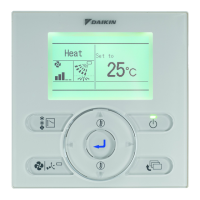
User reference guideBRC0731A4
3P422724-1
35
Menu Manipulation
Detailed Item
1
Display Mode Standard
Display Item None
Display
SettingReturn
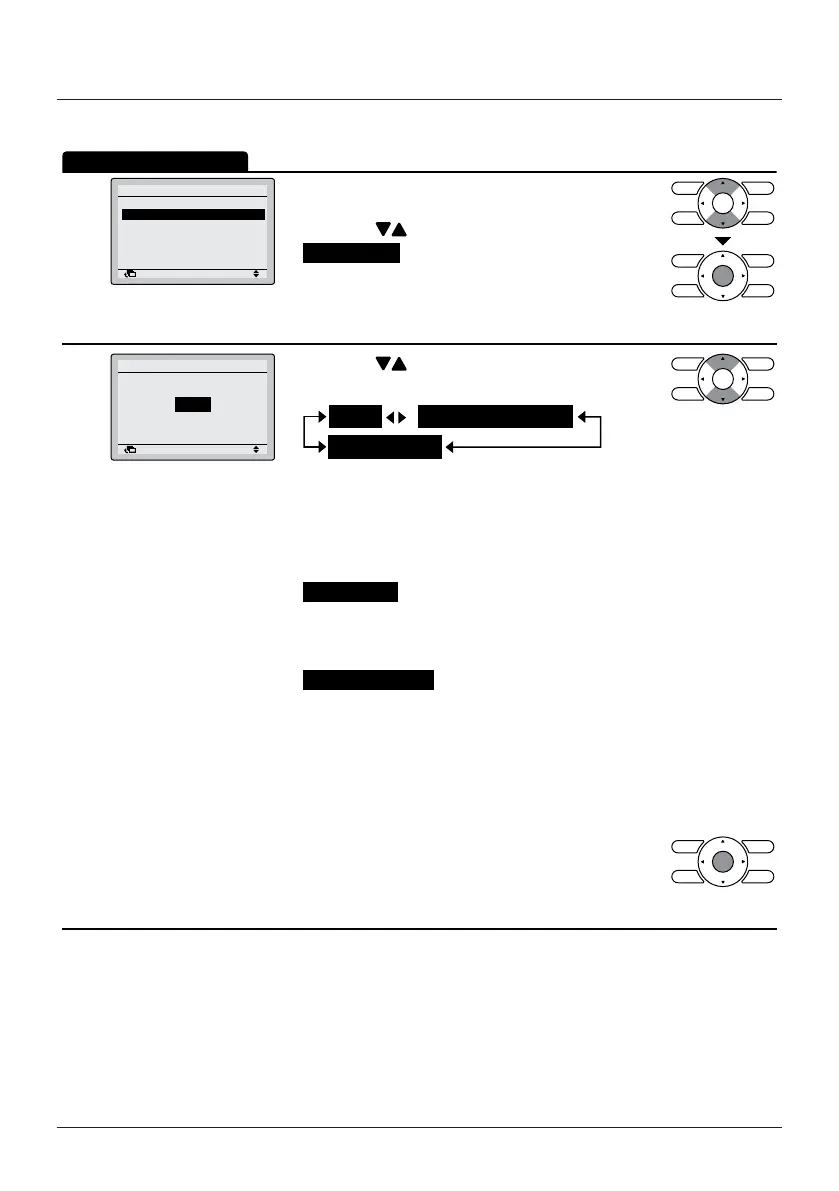
• Display the Display menu. (See "Display Mode" on
page 34).
• Press the
(Up/Down) buttons to select
Display Item and press the Menu/Enter button.
2
None
Display
Display Item
SettingReturn
• Press the (Up/Down) buttons to display the
following.
Room Temp
* Some models may not display these items even if they are
selected.
• Be sure to read the following regarding the display of the room
and outdoor temperature.
Room Temp
– The temperature near the indoor unit.
– The temperature that is detected may be affected by the
location of the unit.
Outside Air Temp
– The temperature detected near the outdoor unit.
– The temperature that is detected may be affected by factors
such as the location of the unit (e.g. if it is in direct sunlight)
and unit operation during defrosting.
– "Outside Air Temp" will not display after stopping or
immediately after starting.
• Press the Menu/Enter button to conrm the
settings and to return to the Basic Screen.


 To Next Page