User reference guideBRC0731A4
3P422724-1
7
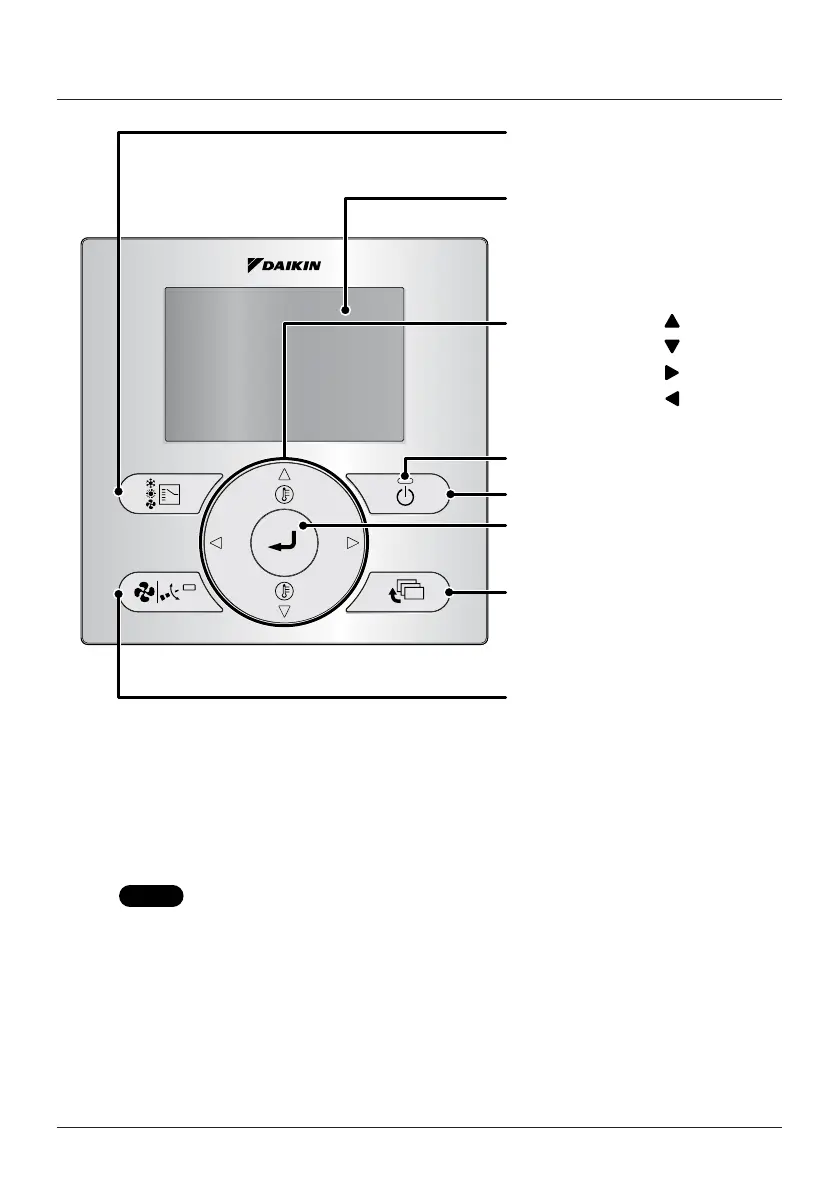
Names and Functions
2. Fan Speed/Airow
Direction button
3. Menu/Enter button
8. ON/OFF button
10. Cancel button
9. Operation lamp
11. LCD (with backlight)
4. Up button
5. Down button
6. Right button
7. Left button
1. Operation Mode
Selector button
Functions other than the basic operation items (i.e., ON/OFF,
operation mode selection, fan speed, up/down direction, and
temperature setting) are set from the menu screen.
NOTE
• Do not install the remote controller in places exposed to direct sunlight.
Otherwise, the LCD may become discolored and nothing may be displayed.
• Do not pull or twist the remote controller cord.
Otherwise, the remote controller may malfunction.
• Do not press the buttons on the remote controller with objects with sharp ends.
Otherwise, the remote controller may be damaged or malfunction.

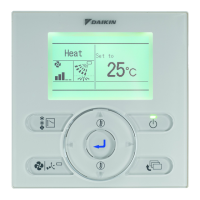

 To Next Page